 Free shipping on orders over £29,85
  Shipping Tracking!


 Google
 Facebook
← Back to How do you colour UV resin?
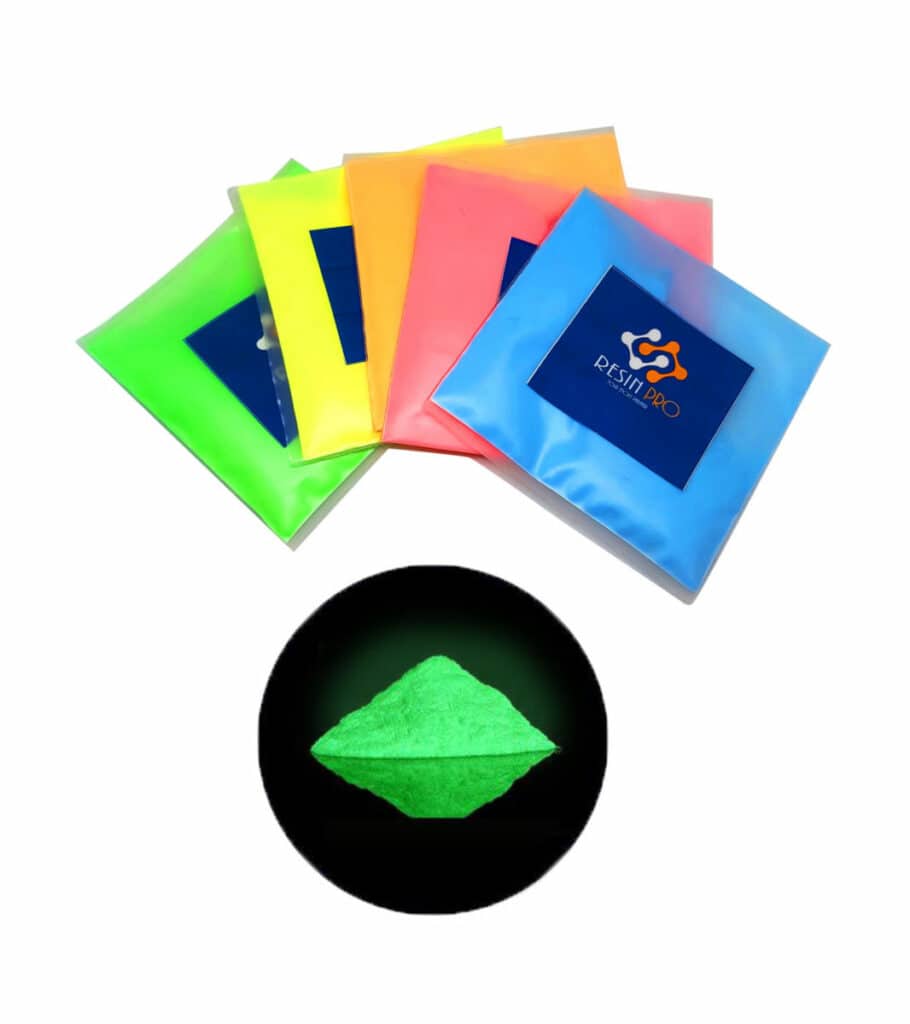
Adding colour to UV resin is an exciting part of resin art, but it’s essential to strike the right balance. Over-pigmentation can lead to unexpected issues and reduce the success of your project. Here’s how to avoid common mistakes and achieve perfect results every time.
Why Over-Pigmentation Causes Problems
When too much pigment is added to UV resin, the mix may become cloudy, thick, or may not cure fully under UV light. This is because the excess pigment can block UV rays from penetrating the resin, leading to sticky or uneven surfaces. A subtle, translucent blend usually ensures even curing and a professional finish.
Recommended Pigment Quantities
For most resin colourants, it’s usually best to start with a small amount—a little goes a long way. For example, with interference and metallic pigments, avoid exceeding about 5% pigment by weight. With powders or dyes formulated for resins, such as Fluorescent UV Pigment Powder or transparent resin colours, gradually build up intensity to maintain resin clarity and light transmission needed for an even cure.
Top Tips for Perfect Pigmentation
- Test in Small Batches: Always create test mixes before your main pour to check colour and curing results.
- Mix Thoroughly: Make sure pigment is evenly distributed for consistent colour and curing throughout your resin piece.
- Choose Quality Pigments: Select colourants designed for resin work, such as “Magic Crystal” transparent dyes or “Sahara Space” metallic pigments, which blend easily and help avoid overuse.
When This Matters
If you need sharp details or are creating thin layers—like jewellery or layered art—excess pigment can compromise clarity and curing. Always aim for the least pigment needed to achieve your desired result.
Related products
Related guides
Mastering pigment use not only preserves the beauty of your UV resin creations but also allows for more creative freedom. For more ideas on getting the best colours in your resin work, browse the full guide on how to colour UV resin.