 Free shipping on orders over £29,85
  Shipping Tracking!


 Google
 Facebook
← Back to How to build a resin 3D printer?
Sticky surfaces are a common frustration in resin 3D printing. This guide explains practical steps to ensure your finished resin prints come out smooth and tack-free.
Why Sticky Prints Happen
The most typical reason for sticky surfaces is under-curing. When resin doesn’t receive enough exposure to UV light during the curing process, it remains partially unreacted and feels sticky or soft. This can result from a weak light source, too short a curing time, or thick resin layers.
Best Practices for Proper Curing
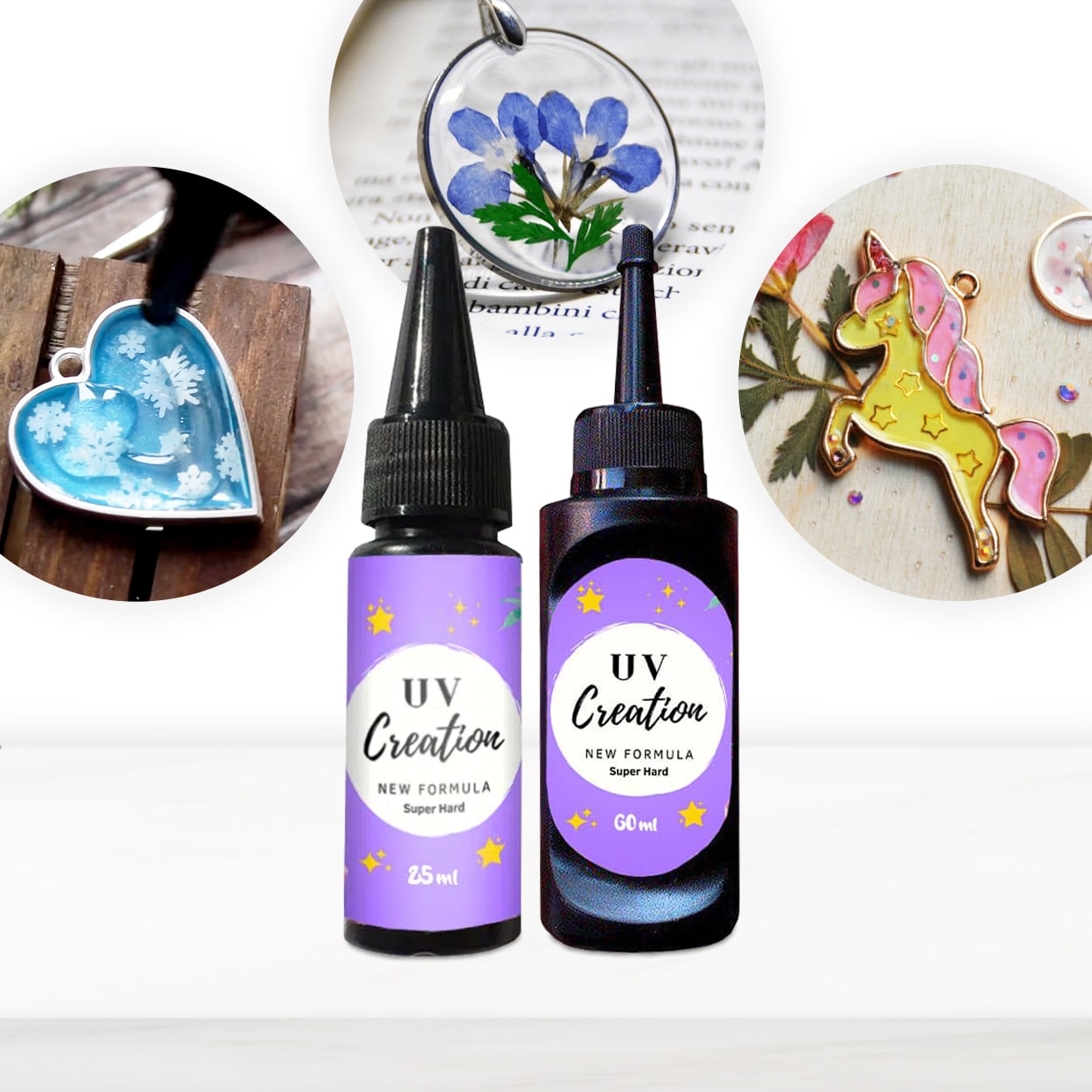
- Follow recommended cure times: Each resin brand has its own optimal curing duration, usually specified by the manufacturer. For example, “UV–Creation” Fast Acrylic Resin fully cures in 2–3 minutes under a suitable UV lamp.
- Use the correct UV lamp: Employ a lamp producing the right wavelength (typically 365–405 nm for most UV resins) to ensure complete curing.
- Apply thin layers: Thick applications may not cure evenly. Applying resin in thin layers helps UV light penetrate deeply, avoiding uncured or tacky spots.
When Tack-Free Prints Matter
If you’re making jewellery, detailed figurines, or functional prototypes, a sticky surface can ruin the finished look or even affect performance. For applications requiring a clear, glossy, and dry finish, correct curing is vital for durable and attractive results.
Related products
Related guides
For reliable, non-sticky resin prints, always pay attention to curing times, light quality, and resin application. For more tips on successful 3D prints and choosing the right supplies, explore our full guide on how to build a resin 3D printer.