 Free shipping on orders over £29,85
  Shipping Tracking!


 Google
 Facebook
← Back to How to Make a 3D Resin Wall
Dull patches or streaks can appear on a resin wall and spoil the intended glossy effect of your 3D artwork. Understanding their causes and quick remedies can help restore your wall’s visual impact.
Common Causes of Dull Patches
Dull or uneven spots on resin walls are usually linked to a few key factors. Poor surface cleaning before application may leave residues that hinder a smooth finish. Incomplete or uneven resin mixing can also produce cloudy patches as some areas won’t cure properly. Lastly, insufficient curing time often results in lacklustre, tacky areas that never reach their true shine.
How to Restore a Glossy Finish
- Light Sanding: Use fine-grit sandpaper on dull areas to remove imperfections or surface haze.
- Thorough Cleaning: Wipe down with a lint-free cloth to clear away dust and debris before recoating.
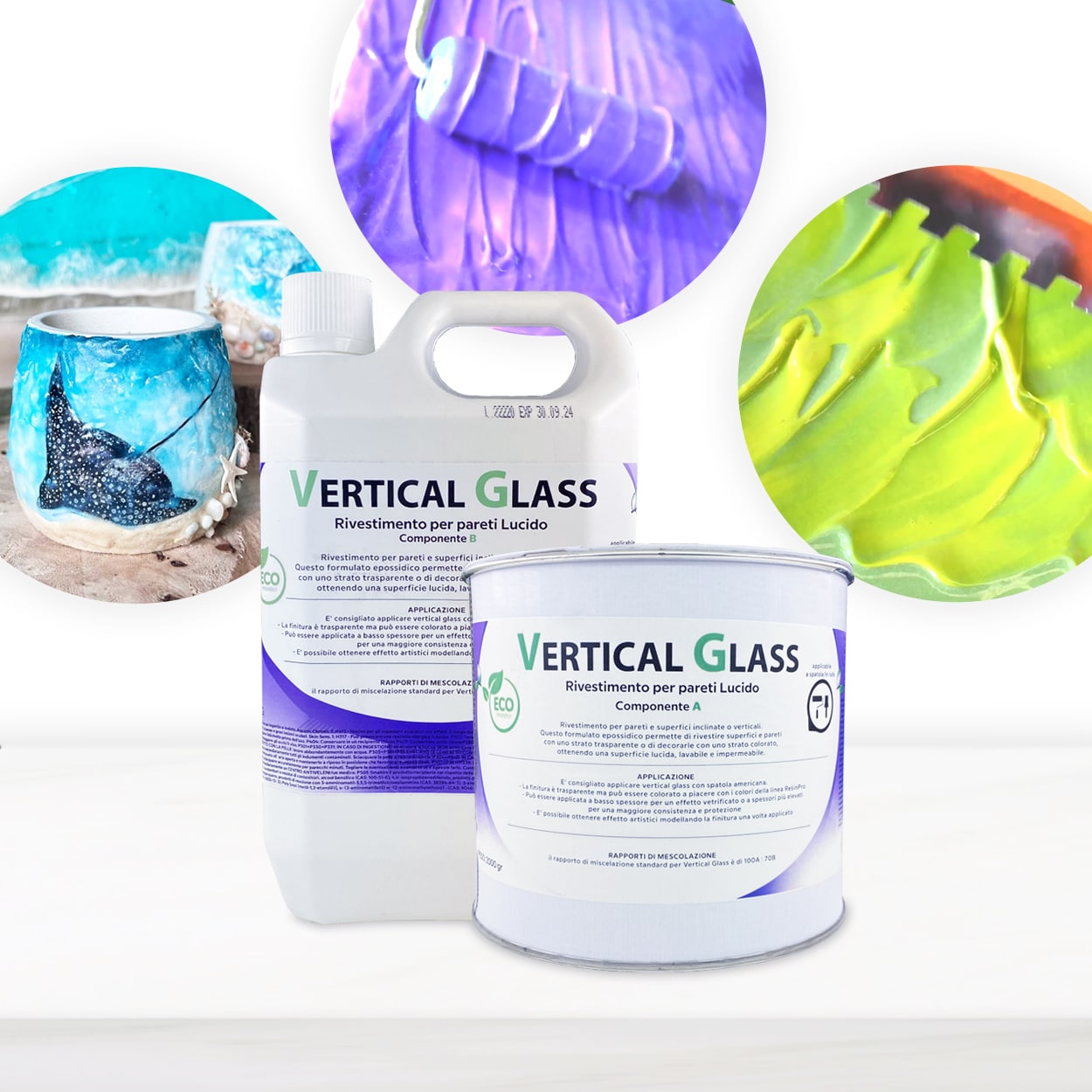
- Second Resin Layer: Apply an additional thin layer of a suitable resin, such as Vertical Glass, making sure to mix components evenly.
- Allow Proper Curing: Give the new layer sufficient time in suitable conditions—avoid disturbing the surface until it is fully hardened.
When This Matters Most
If your 3D resin wall is a centrepiece or located in a space with abundant natural light, any dull spots will be particularly noticeable. Consistency in gloss makes a difference in high-traffic or display areas where visual impact is essential.
Related products
Related guides
By taking the right steps to address dull spots, you can bring back the vibrant, even finish that makes 3D resin walls so striking. For more guidance and creative ideas, return to our 3D resin wall guide.