 Free shipping on orders over £29,85
  Shipping Tracking!


 Google
 Facebook
← Back to How do you polish Formlabs resin?
If your Formlabs resin appears cloudy even after a careful polish, you’re not alone. Achieving a truly clear, glossy finish requires the right approach at each stage. Let’s look at why this cloudiness occurs and how you can resolve it for flawless results.
Common Causes of Persistent Cloudiness
The most frequent reason for residual cloudiness is incomplete sanding. Skipping grits, especially in the finer range, leaves micro-scratches that polish alone cannot remove. Another common trap is rushing straight to polishing cream or pads without adequately smoothing the surface. Both shortcuts can leave you with a hazy or matte appearance rather than the desired glassy shine.
How to Re-Polish for a Crystal Clear Finish
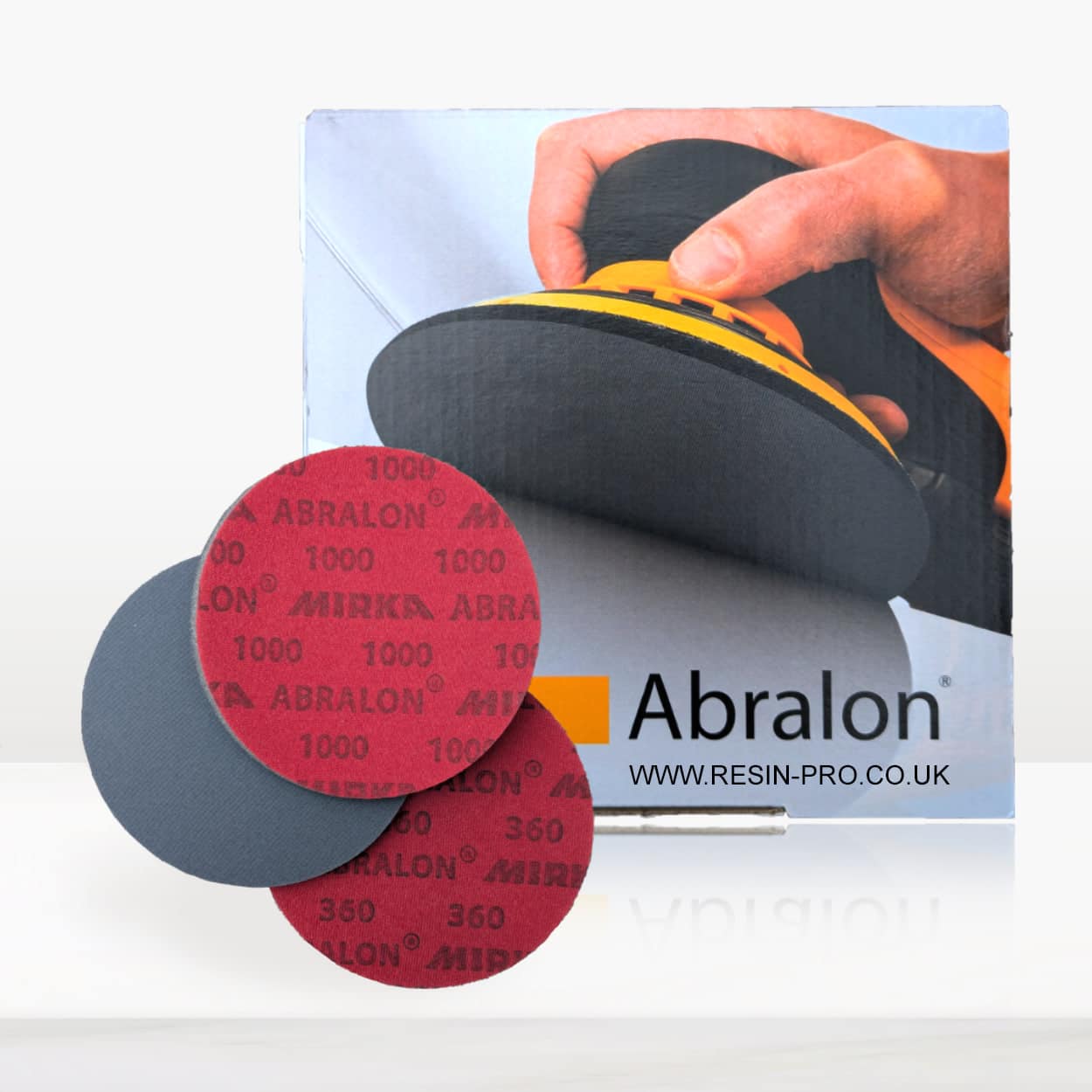
To fix a cloudy surface, start by returning to the last sanding grit you used, or even one step coarser. Gradually work up through progressively finer grits, finishing with an ultra-fine (such as 3000 or 4000 grit). Ebonite Abralon Sanding Pads are ideal for this staged process. After sanding, use a suitable polishing cream and a dedicated polishing sponge or pad. Applying polish with only a cloth is likely to yield lacklustre results, so opt for a rotary polisher or pad holder for best clarity.
When This Matters Most
Achieving a clear, professional finish is essential for display pieces, jewellery, and any resin creations where clarity, vibrancy, or depth are priorities. Accurate sanding and polishing reveal the brilliance of your work and are worth the extra attention.
Related products
Related guides
Taking your time with each sanding and polishing stage will transform your Formlabs resin from cloudy to crystal clear. Discover more on perfecting your finishing technique in our main guide: How do you polish Formlabs resin?