 Free shipping on orders over £29,85
  Shipping Tracking!


 Google
 Facebook
← Back to How do you polish Formlabs resin?
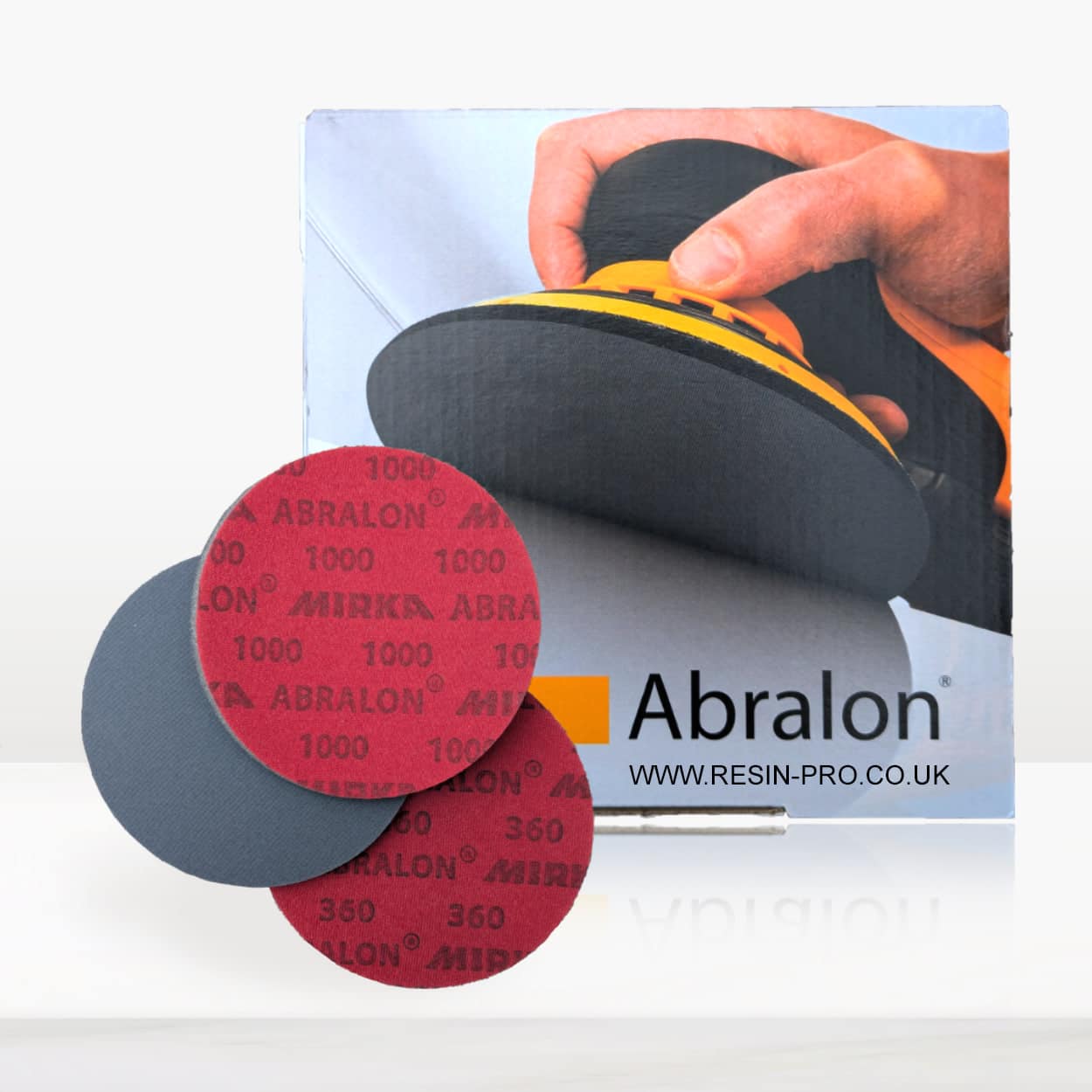
Deep scratches and marks on Formlabs resin can be disappointing, but with a systematic approach, most blemishes can be reduced or removed entirely. With the right sanding and polishing techniques, your resin project can regain its original lustre.
Step 1: Sanding Away the Damage
Begin by selecting a coarse abrasive pad—such as the Ebonite Abralon Sanding Pads in the lower grit range (e.g., 360 or 500). Sand the affected area with firm, even strokes until the deep scratches have been smoothed out. For best results, work your way upwards through increasingly finer grits (up to 4000), ensuring each stage removes the marks from the previous grit. Wet sanding can help manage dust and achieve a smoother result.
Step 2: Polishing for Clarity
Once the surface feels even and the scratches have diminished, polish the resin to restore transparency and sheen. Use a dedicated resin polishing system—such as Epoxy Polish—paired with a suitable polishing pad or sponge. Apply polish in circular motions, either by hand or with a rotary tool, until the area regains its gloss. Finish by wiping away any residue with a clean microfibre cloth.
When This Matters Most
Removing deep scratches is especially important before final finishing on display pieces, jewellery, or table tops, where imperfections are most visible. Effective sanding and polishing also help maintain the strength and appearance of structural resin items over time.
Related products
Related guides
By carefully sanding and polishing, you can successfully remove deep scratches from Formlabs resin and restore a flawless finish. For more guidance on perfecting your resin work, visit our main hub on polishing Formlabs resin.