 Free shipping on orders over £29,85
  Shipping Tracking!


 Google
 Facebook
← Back to How to set parameters for resin printers?
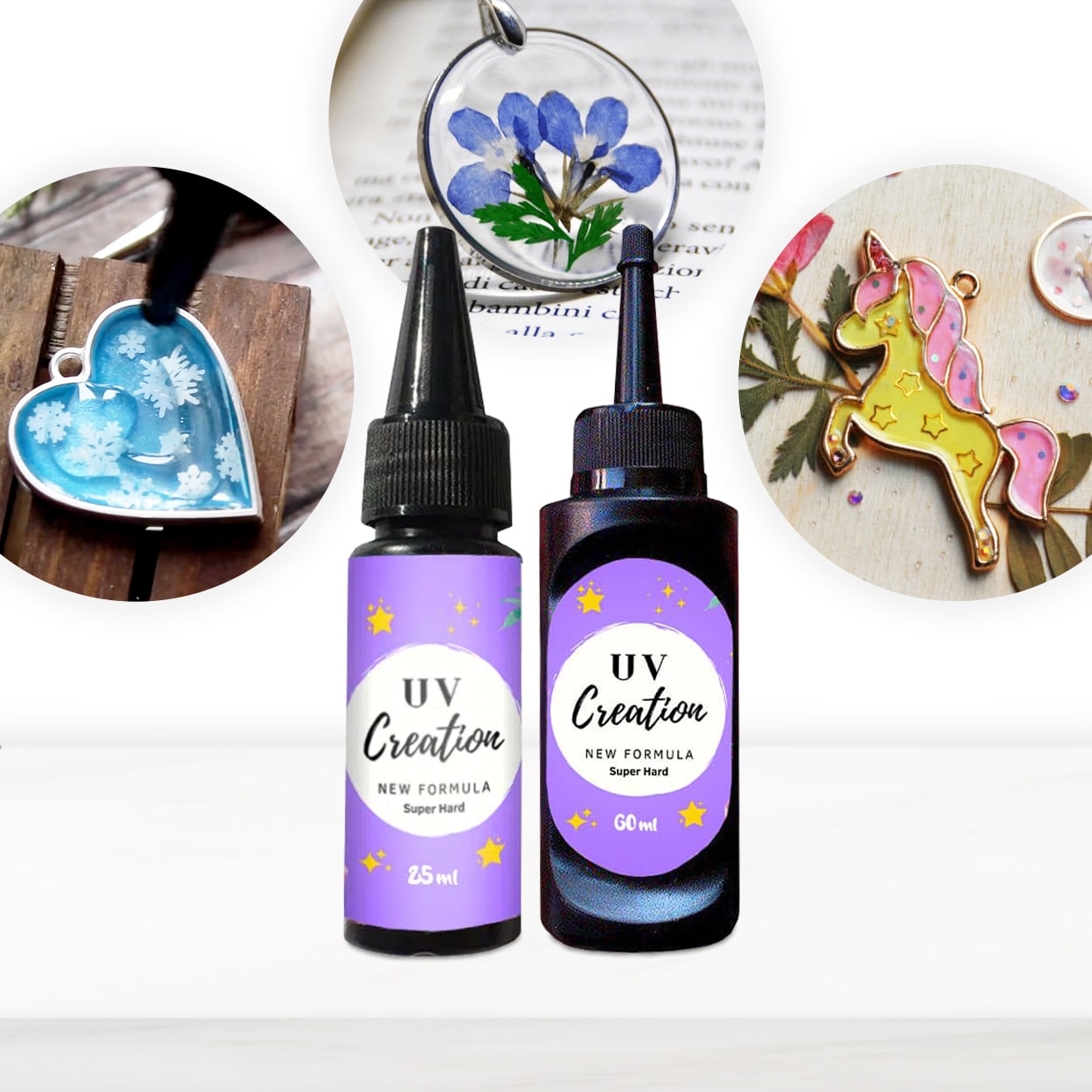
Sticky or tacky surfaces are a common frustration when working with UV resin prints and crafted items. Fortunately, a few careful adjustments during and after printing can ensure a perfect, non-tacky finish every time.
Ensure Sufficient UV Curing
One of the main reasons prints stay sticky is insufficient exposure to UV light during curing. To avoid this, slightly increase the exposure time or the intensity of your UV lamp. Be especially mindful if your designs feature thicker sections or pigmented resin, as these can block light from reaching all areas. For best results, cure your print in thin layers (up to 3 mm at a time) and repeat the process as needed. Using a ready-to-use UV resin such as “UV–Creation” Fast Acrylic Resin simplifies this process, as it cures reliably within 2–3 minutes under a suitable lamp.
Post-Cure and Clean Thoroughly
Even after initial curing, there may be residual tackiness due to uncured resin left on the surface. To remove this, soak or wash your prints with isopropyl alcohol before placing them under the UV lamp for final post-curing. This effectively removes uncured residue so the surface becomes smooth and ready to handle. Take care not to oversaturate delicate details when rinsing, and always dry parts before the final cure.
When This Matters Most
- You want jewellery pieces or decorative objects with a crystal-clear, glossy finish that feels smooth to the touch.
- Your projects will be handled, sold, or used in other assemblies, so sticky surfaces are unacceptable.
Related products
Related guides
Getting rid of tacky prints is all about the right UV exposure and thorough cleaning. For more tips and detailed guidance on achieving flawless resin results, explore our main guide on setting parameters for resin printers.