 Free shipping on orders over £29,85
  Shipping Tracking!


 Google
 Facebook
How to set parameters for resin printers?
Setting the correct parameters for resin printers is essential for achieving crisp detail, robust strength, and a smooth finish on your 3D printed models. Whether you are a beginner or looking to fine-tune your prints, understanding how to adjust exposure times, layer heights, and curing settings ensures consistently high-quality results.
Achieve optimal results by fine-tuning exposure and curing times
What You’ll Need
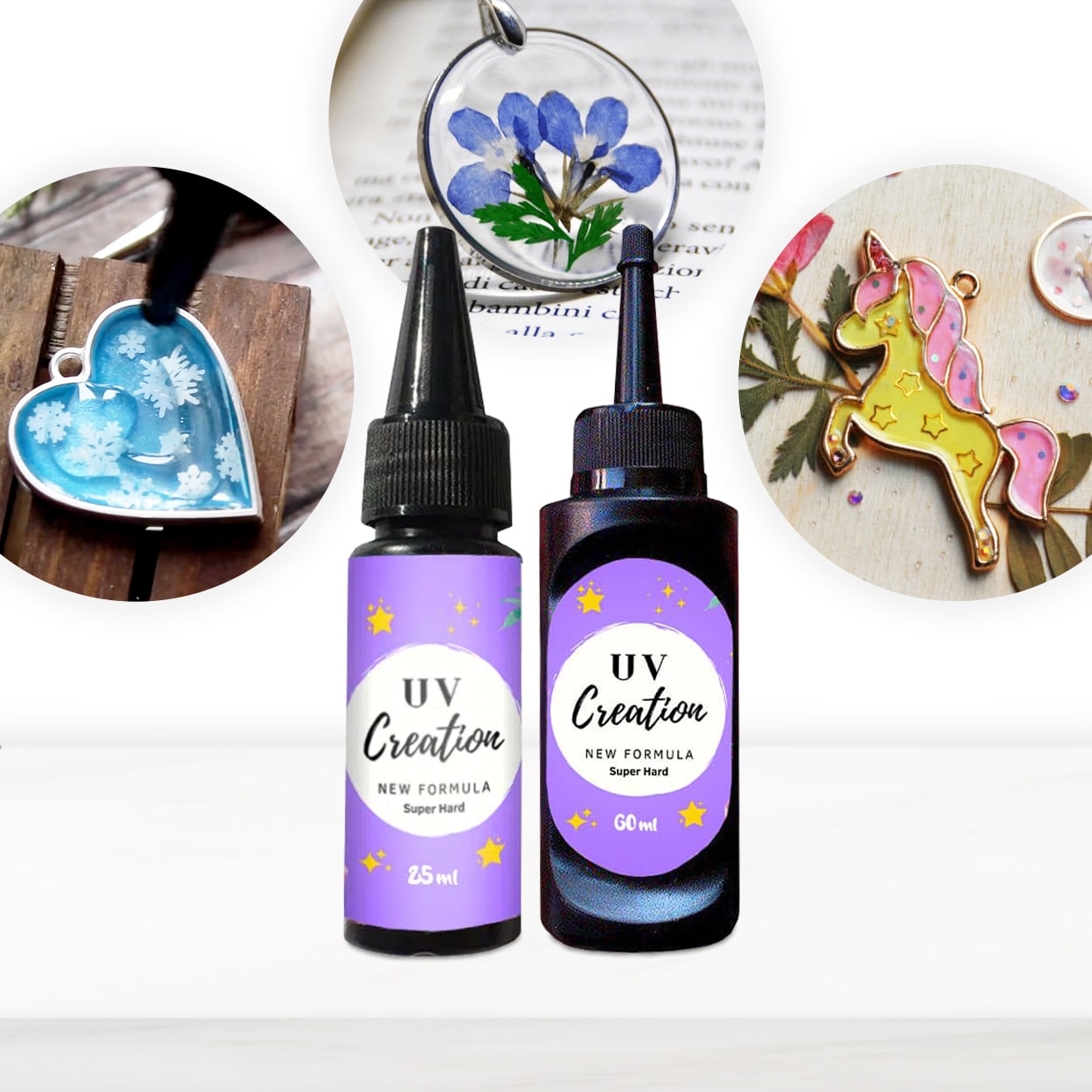
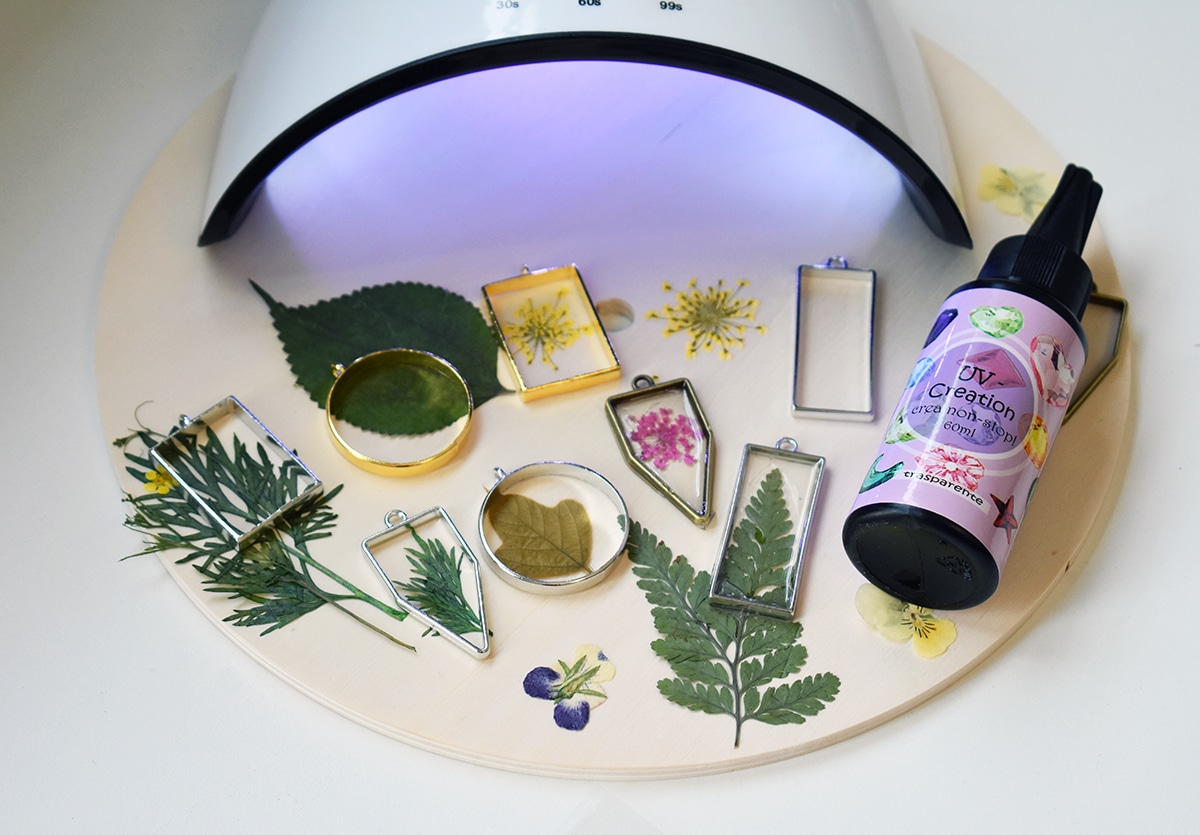
- “UV–Creation” – Fast Acrylic Resin, 3 Minute UV Cure: Fast-curing acrylic resin, ideal for precise detail and glossy finishes.
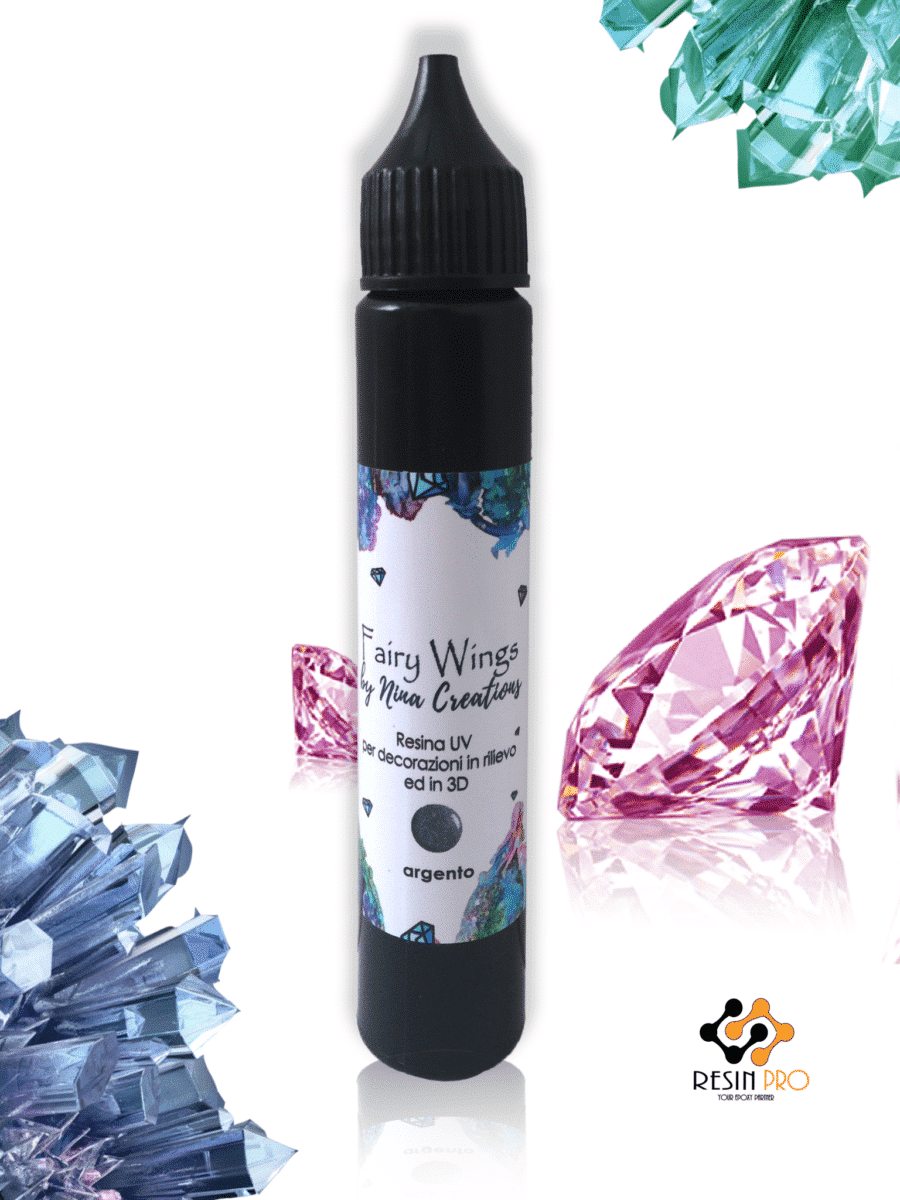
- “Fairy Wings” – UV Resin for Volumetric Reliefs, Dual Colour, 30ml: Specialised UV resin for intricate 3D reliefs needing fast, thin-layer curing.
- “3D Finish” – Fast Coating Epoxy Resin for 3D Prints: For post-print coating to achieve smooth, professional finishes.
- Nitrile gloves, goggles and a mask (for safety)
- Calibration objects or test models
- UV lamp or the light source recommended by your resin type
- Paper towels and cleaning alcohol for maintenance
Visualising Resin Parameter Effects
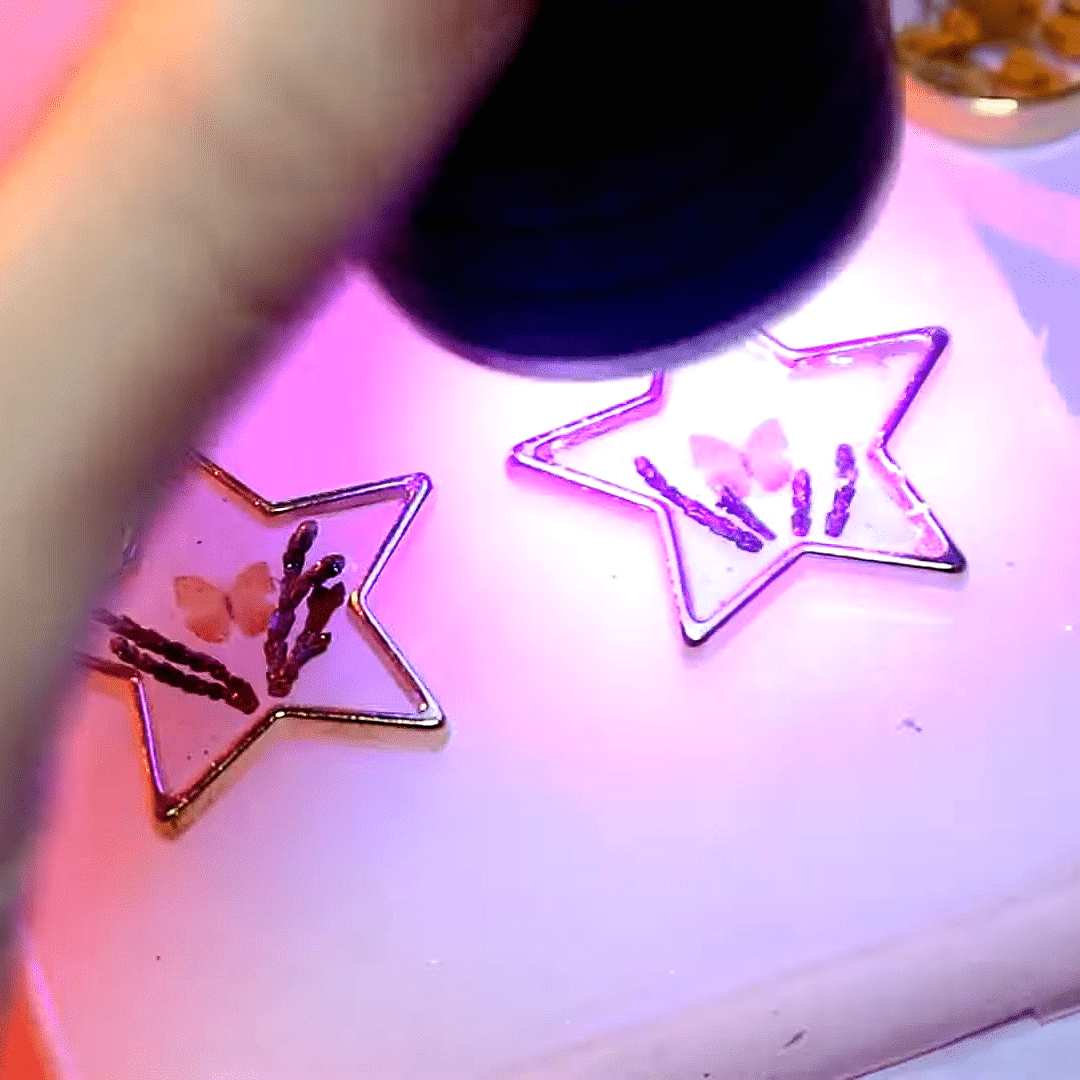
Exposing a test model at different UV times illustrates detail retention, layer bonding, and surface quality. Compare successful prints with under- or over-exposed ones to see the impact of fine-tuning exposure settings on precision and robustness.
Step 1: Test Exposure and Calibration
Begin by printing a simple calibration model, such as a cube or test grid. This helps establish the base exposure time required for your chosen resin. Start with the manufacturer’s recommended settings, then incrementally adjust exposure in small steps (typically 1–2 seconds at a time) until you achieve complete and accurate layer curing without overexposure. Proper calibration prevents detail loss and under-cured, fragile prints.
Test Exposure and Calibration Are Crucial for balancing speed and quality, so do not skip this preliminary step, as it informs all subsequent parameter adjustment.
Step 2: Set Layer Height and Lifting Speed
Layer height determines both the surface finish and the speed of your print. For high-detail models, lower layer heights such as 0.025–0.05 mm are common. Increase to 0.1 mm or above for larger, less detailed prints to reduce print time. Lifting speed (the speed at which the build plate moves between layers) should be kept moderate, especially when using viscous resins or intricate designs, to avoid layer slipping or detachment.
Thin Layers Prevent Print Failures, especially with detailed resins like “Fairy Wings” – UV Resin for Volumetric Reliefs, Dual Colour, 30ml, designed for intricate reliefs requiring repeated thin coats and UV exposure.
Step 3: Fine-Tune Post-Cure and Cleaning
Once your print is complete, handle it carefully and begin post-curing under a suitable UV lamp. Post-curing times generally range from 3 to 10 minutes, depending on the resin type and object thickness. Use the instructions provided by your resin for guidance. Ensuring even exposure prevents brittle or sticky prints. Rinse away uncured resin with isopropyl alcohol and allow the model to dry fully before further handling or painting.
If achieving a professional smoothness is your goal, consider applying “3D Finish” – Fast Coating Epoxy Resin for 3D Prints as a post-processing step. Its non-drip formula preserves detail while eliminating layer lines.

Tips, Common Mistakes, and Troubleshooting
Avoid Over-Curing and Under-Curing, as both can compromise print quality. Over-curing may introduce brittleness or warping, while under-curing results in tacky, incomplete prints. Always verify your light source’s wattage and placement for uniform exposure. Regularly clean your build plate and vat to prevent print adhesion issues, and use gloves and goggles for safety.
Ambient Conditions Can Make a Difference – room temperature, humidity, and the cleanliness of your printer all impact resin consistency and curing success. Keep the workspace well-ventilated and monitor environmental factors for repeatable, quality outcomes.
Spotting Print Issues Early
Watch for warning signs like thin, chewy layers, incomplete details, or brittle finishes. Early detection allows for parameter adjustment before you commit to full-scale printing, saving time and material costs.
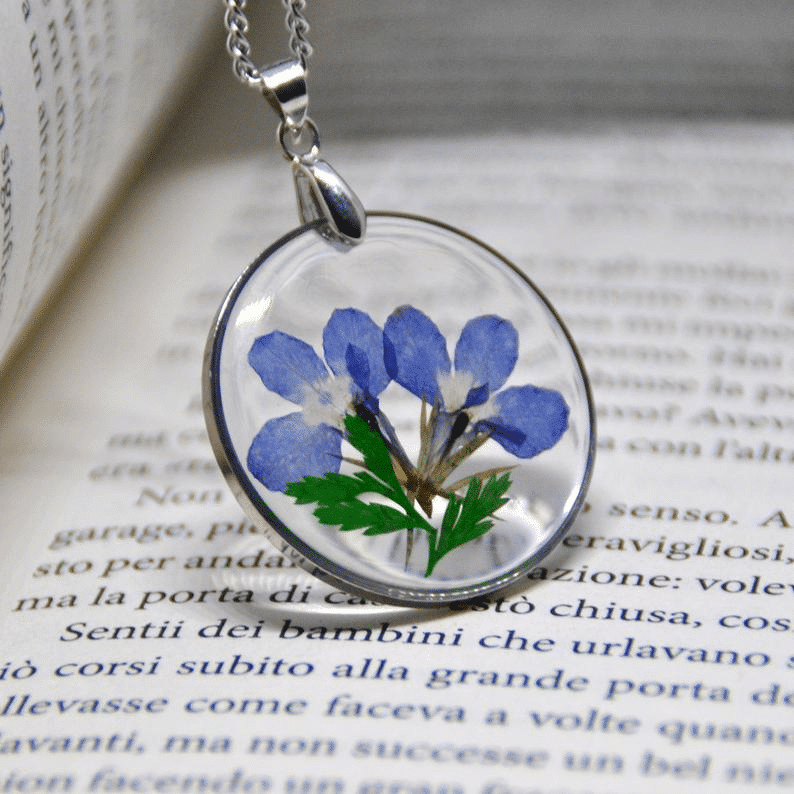
- "UV–Creation" – Fast Acrylic Resin, 3 Minute UV CurePrice range: £7.85 through £59.85"UV–Creation" fast acrylic resin cures quickly under UV light and suits jewellery makers seeking clear, non-yellowing finishes.
- "Fairy Wings" – UV Resin for Volumetric Reliefs, Dual Colour, 30mlOriginal price was: £15.15.£2.85Current price is: £2.85."Fairy Wings" is a ready-to-use UV resin for detailed volumetric reliefs with dual colours included, suited for precise crafting.
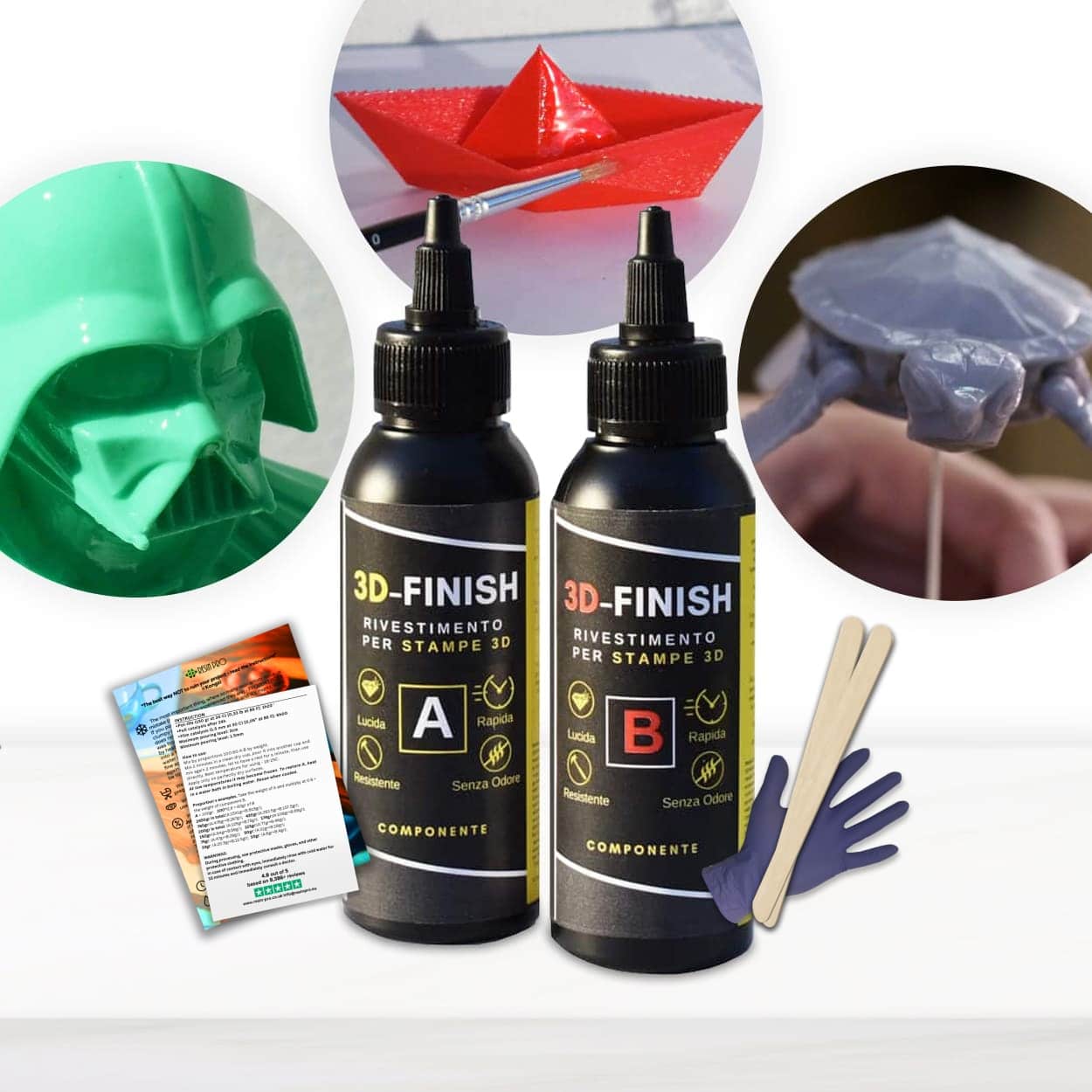 "3D Finish" – Fast Coating Epoxy Resin for 3D PrintsPrice range: £12.85 through £18.85"3D Finish" offers a non-drip coating that preserves detail and smooths layer lines on PLA, ABS, and LAYWOOD prints.
Frequently Asked Questions
What is the best exposure time for UV resin printing?
Exposure time depends on the resin type and your printer's light source, but typical ranges are 3–8 seconds per layer. Always start with the resin manufacturer’s recommendation.
How do I avoid sticky or tacky prints?
Increase UV exposure slightly or extend post-curing. Make sure to clean prints with isopropyl alcohol to remove any residual uncured resin.
What layer height should I use for fine detail?
Layer heights between 0.025 mm and 0.05 mm offer the smoothest detail, especially for intricate or artistic prints.
Why does my print shrink or warp after curing?
Resin shrinkage is normal but can be made worse by over-curing or thick layers. Use recommended curing times and thin layers to minimise distortion.
Can I improve a print's finish post-processing?
Yes, using a coating resin such as '3D Finish' can smooth layer lines and add gloss for a more refined final product.
Do room conditions affect resin printing results?
Yes, temperature, humidity, and ventilation influence resin viscosity and curing. Stable conditions yield more consistent prints.