 Free shipping on orders over £29,85
  Shipping Tracking!


 Google
 Facebook
← Back to How to paint a resin model
Visible brush marks can spoil the finish of an otherwise impressive resin model. Achieving a smooth, professional appearance is possible with some simple techniques and the right preparation.
Choose the Right Brush and Paint
The quality of your brushes has a big impact on your final result. Opt for high-quality synthetic brushes, which are less likely to shed or leave streaks in your paint. Brushes such as the 12-Piece Artists Paint Brush Set offer a variety of shapes and sizes for both detailed and broad strokes. Also, select paints designed for fine model work as these spread more evenly across resin surfaces.
Apply Thin Layers with Care
For best results, apply paint in thin, even layers. Avoid overloading the brush, and always keep your strokes light and smooth in a single direction. Allow each layer to dry completely before adding the next. This gradual build-up prevents ridges from forming and helps the finish settle evenly.
Consider Surface Preparation
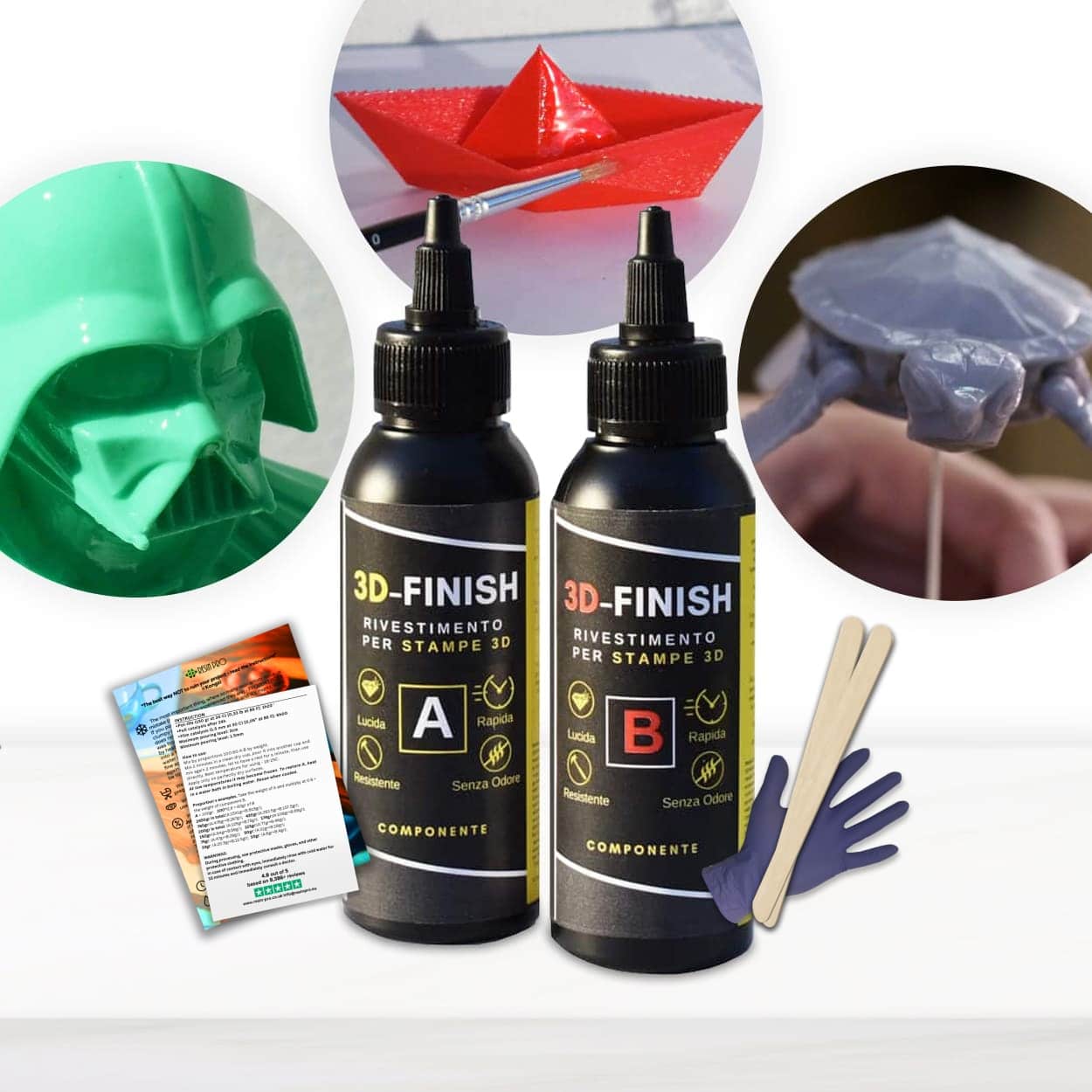
Sanding your resin model gently before painting can make a big difference. A smooth, clean surface helps paint adhere evenly, reducing the risk of brush marks. For 3D printed models, using a finishing product like “3D Finish” Fast Coating Epoxy Resin will smooth out layer lines and create the perfect base for painting.
When This Matters Most
These techniques are especially useful when working on display pieces or projects where a flawless finish is key. Whether you’re entering a competition or simply want your models to stand out, attention to detail in your painting process makes all the difference.
Related products
Related guides
Minimising brush marks elevates the look of your painted resin models, making them worthy of display or play. For more model painting tips and product recommendations, see our full guide on how to paint a resin model.