 Free shipping on orders over £29,85
  Shipping Tracking!


 Google
 Facebook
← Back to How to set parameters for resin printers?
If you notice your resin prints shrink or warp after curing, you’re not alone. These distortions can be frustrating but are usually manageable once you understand the causes and remedies.
What Causes Shrinkage and Warping?
Shrinking and warping are common issues due to the natural behaviour of resin as it cures. When liquid resin hardens, its volume can decrease slightly. However, excessive shrinkage or sudden deformation is often linked to over-curing (exposing the print to UV light for too long) or printing in layers that are too thick. Both factors place unnecessary stress on the print, leading to irregular shapes and size reduction.
Tips to Minimise Distortion
- Stick to thin layers: Apply resin in layers up to 3 mm thick and cure each separately. This helps the print retain its shape throughout the process.
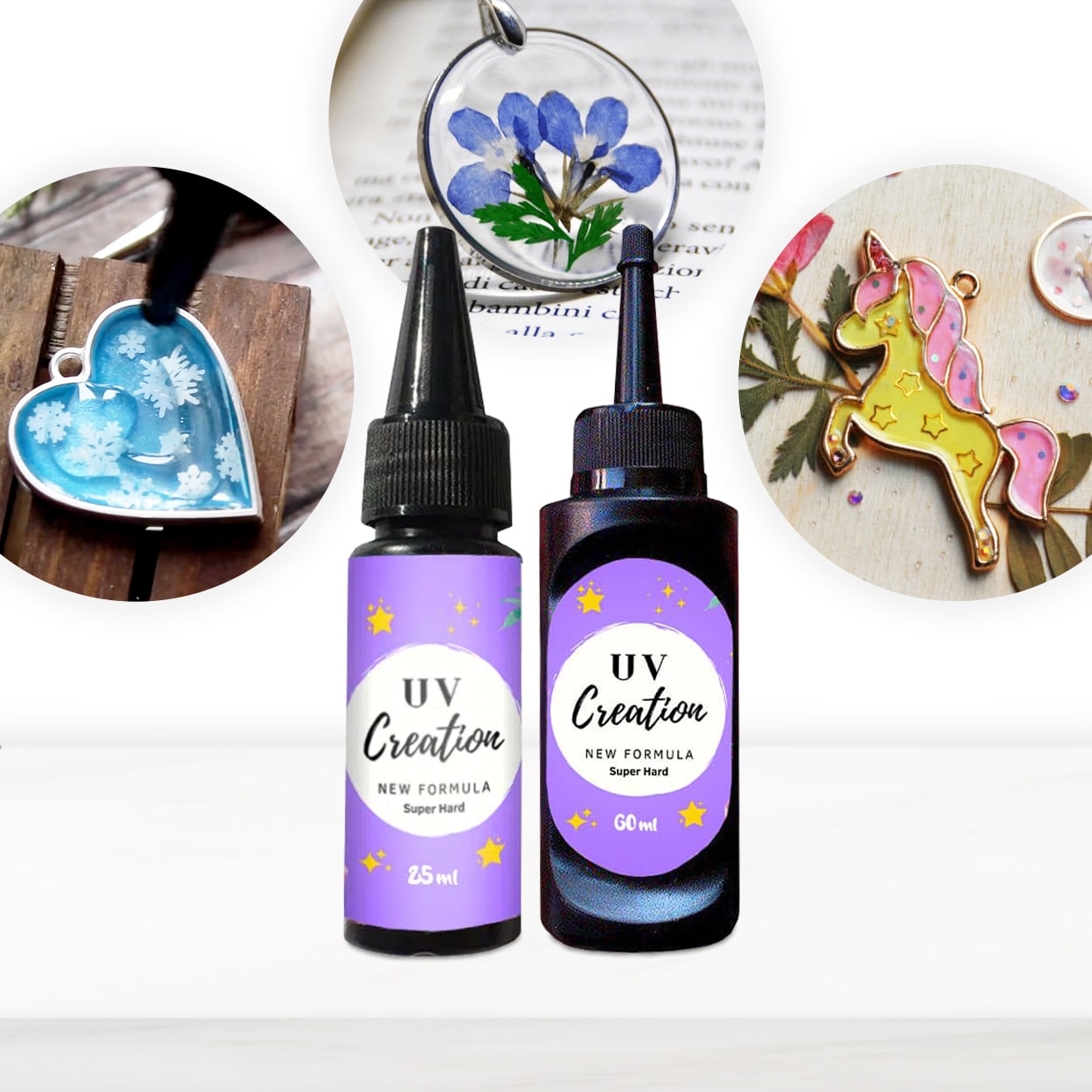
- Follow recommended curing times: More light isn’t always better—over-curing can worsen shrinkage and warping. For example, using a fast-curing resin like UV–Creation, stick to the manufacturer’s instructions for timing.
- Even exposure: Ensure your UV lamp covers the print evenly to avoid localised over-curing.
- Keep your workspace stable: Maintain consistent temperature and avoid drafts, as rapid environmental changes can increase warping.
When This Matters Most
Minimising shrinkage is especially important for functional parts requiring accurate dimensions and for detailed or delicate designs, such as jewellery or decorative figurines, where even small distortions may affect appearance or fit.
Related products
Related guides
By understanding how your resin and curing process interact, you can significantly reduce warping and shrinkage, resulting in crisper, more precise prints. For more on optimising your results, see our full guide on how to set parameters for resin printers.