 Free shipping on orders over £29,85
  Shipping Tracking!


 Google
 Facebook
← Back to How to set parameters for resin printers?
Getting the best possible detail from your resin printer often comes down to selecting the right layer height. If you’re aiming for crisp, finely detailed results, your layer height choice is key.
How layer height affects print detail
The layer height determines both the level of surface smoothness and the definition of intricate features in your finished piece. Lower layer heights—typically between 0.025 mm and 0.05 mm—allow your printer to reproduce tiny details with fewer visible steps between layers. This is especially important when working on artistic, jewellery, or display models where subtle contours make a difference.
Selecting the right settings for your project
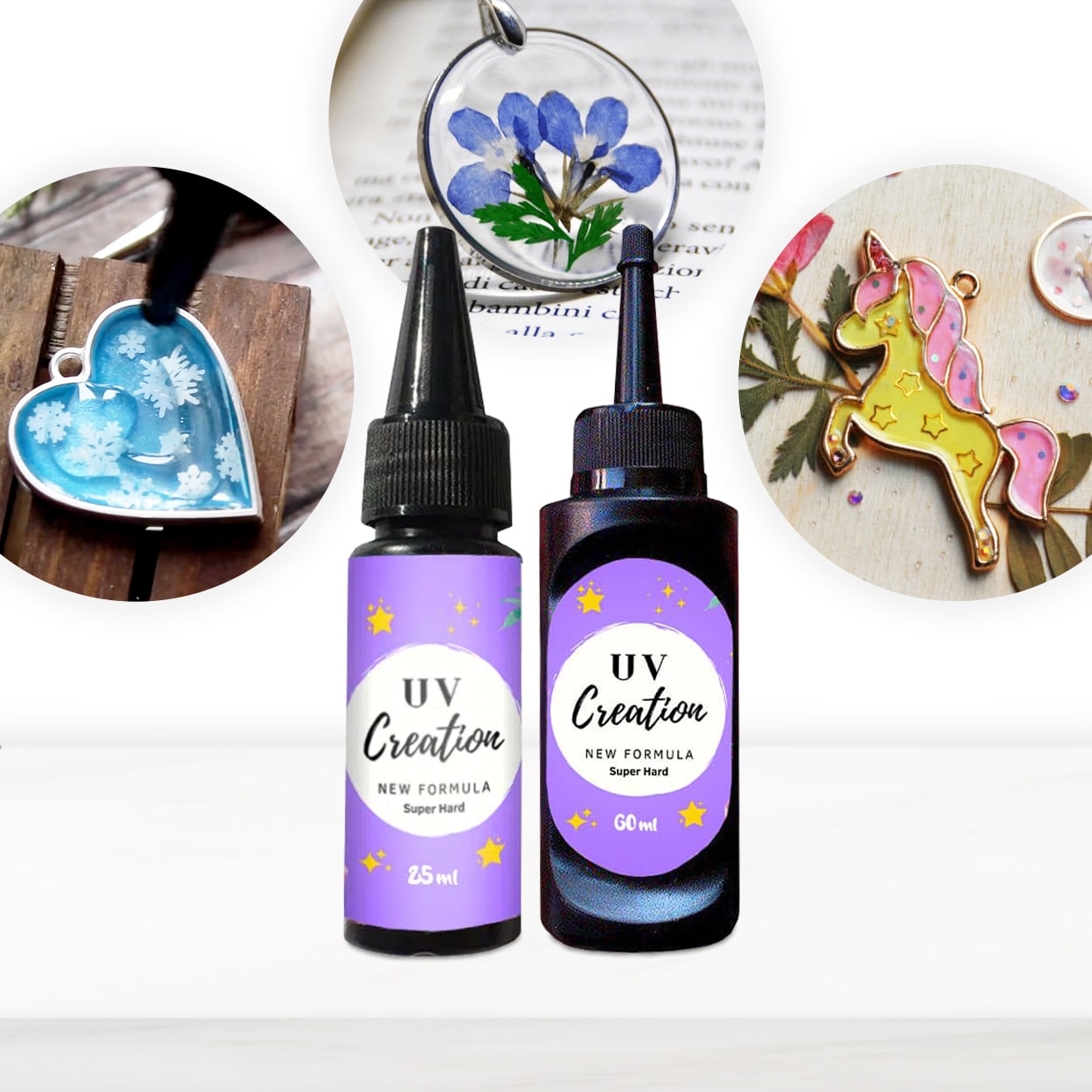
To maximise detail, opt for the lower end of the layer height range (closer to 0.025 mm) when printing miniatures, jewellery or decorative parts. If you’re working on larger models or functional items where fine definition is less critical, going up to 0.05 mm can save time while still producing good results. Always check your specific resin’s guidance as extremely low heights may require precise curing and optimal exposure times for best results. Using a high-quality UV resin like “UV–Creation” fast acrylic resin can further improve surface clarity and detail retention.
When this matters
- Showcase models and miniatures demand the lowest layer heights for lifelike features.
- Jewellery makers benefit from smoother finishes and crisper edges.
- Engineered parts with complex textures or embossed details are best printed with reduced layer height.
Related products
Related guides
Fine-tuning your layer height transforms the level of detail achievable with your resin printer. For more tips on setting up your printer for top results, explore the other resources in our parameter setting guide.