 Free shipping on orders over £29,85
  Shipping Tracking!


 Google
 Facebook
How to build a resin 3D printer?
Step-by-step guide for assembling your own resin printer
Building a resin 3D printer from scratch is an ambitious and rewarding project. Whether you are a hobbyist looking to advance your DIY electronics skills or a maker interested in customising every aspect of your setup, this guide will provide a detailed step-by-step overview of the full assembly process, from sourcing parts to fine-tuning your first prints. By the end, you’ll understand what it takes to construct a working resin 3D printer and how to approach each stage safely and efficiently.
What You’ll Need
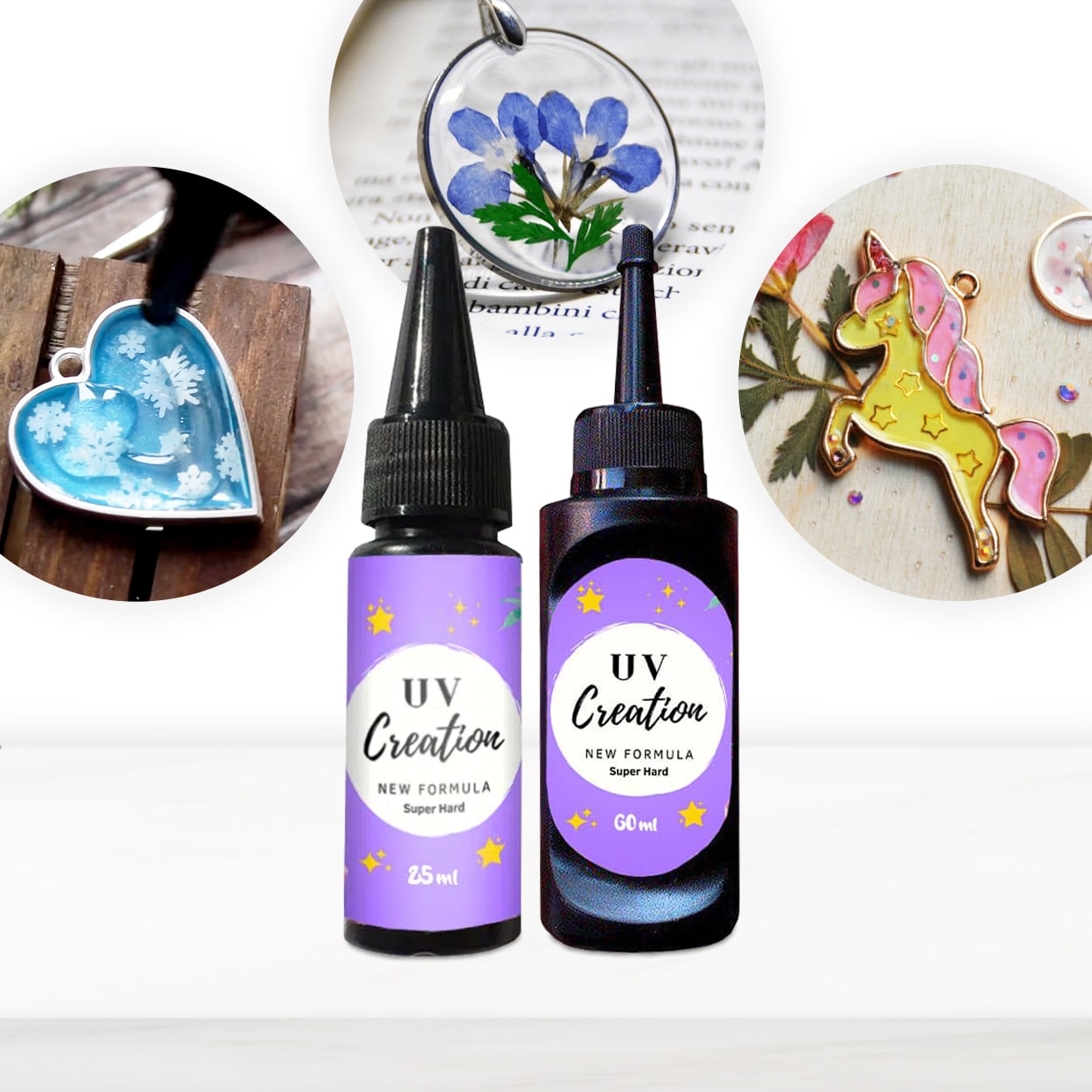
- “UV–Creation” – Fast Acrylic Resin, 3 Minute UV Cure – Ready-to-use UV acrylic resin curing quickly for jewellery and craft projects.
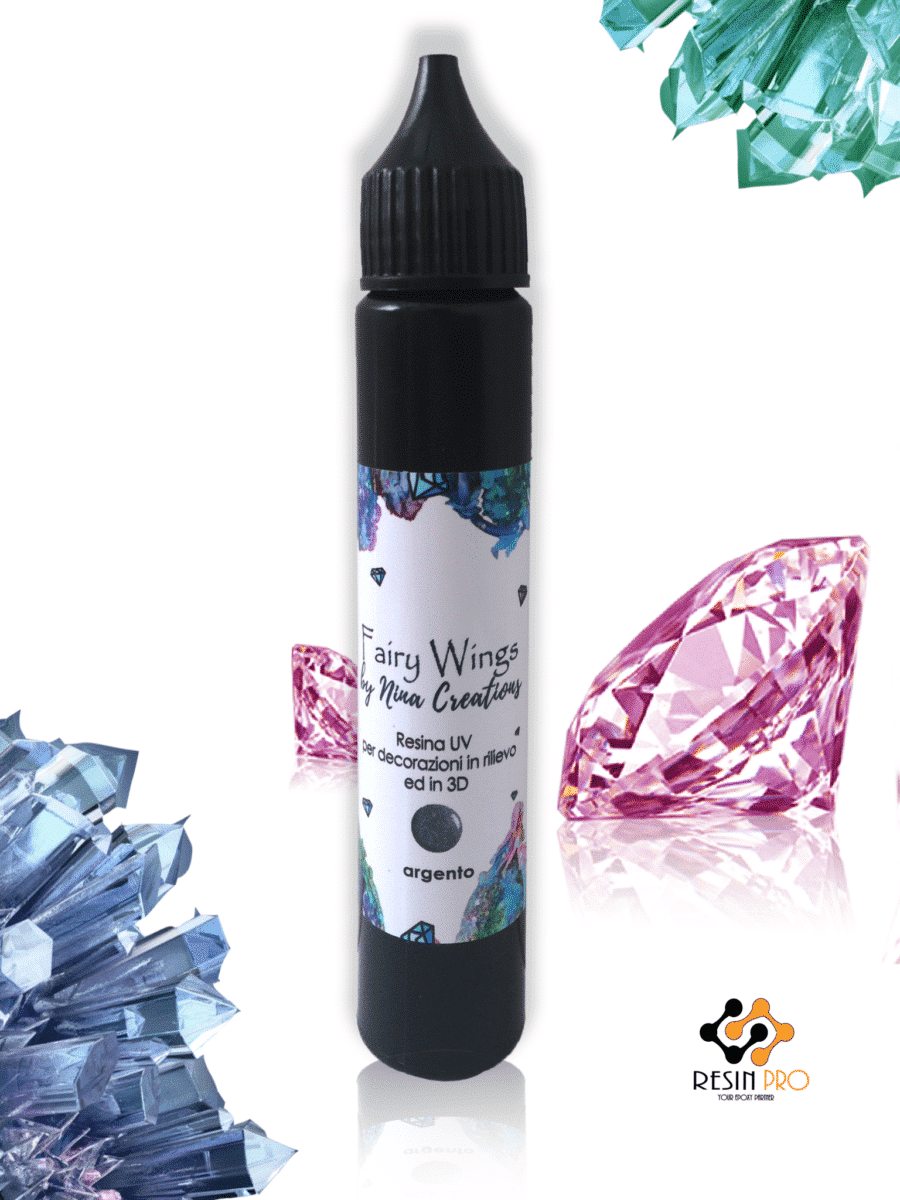
- “Fairy Wings” – UV Resin for Volumetric Reliefs, Dual Colour, 30ml – A ready-to-use UV resin for creating thin, detailed volumetric reliefs on polymer clay and similar surfaces.
- 3D printer frame kit or custom chassis components
- UV LED panel (capable of emitting 365–405 nm wavelength)
- Z-axis stepper motor and linear rail
- LCD masking screen
- Mainboard and microcontroller
- Power supply unit (with appropriate safety features)
- Resin vat and build platform
- UV-resistant safety goggles & nitrile gloves
- Various tools: screwdrivers, wire cutters, multimeter
- Isopropyl alcohol and soft cloths for cleaning
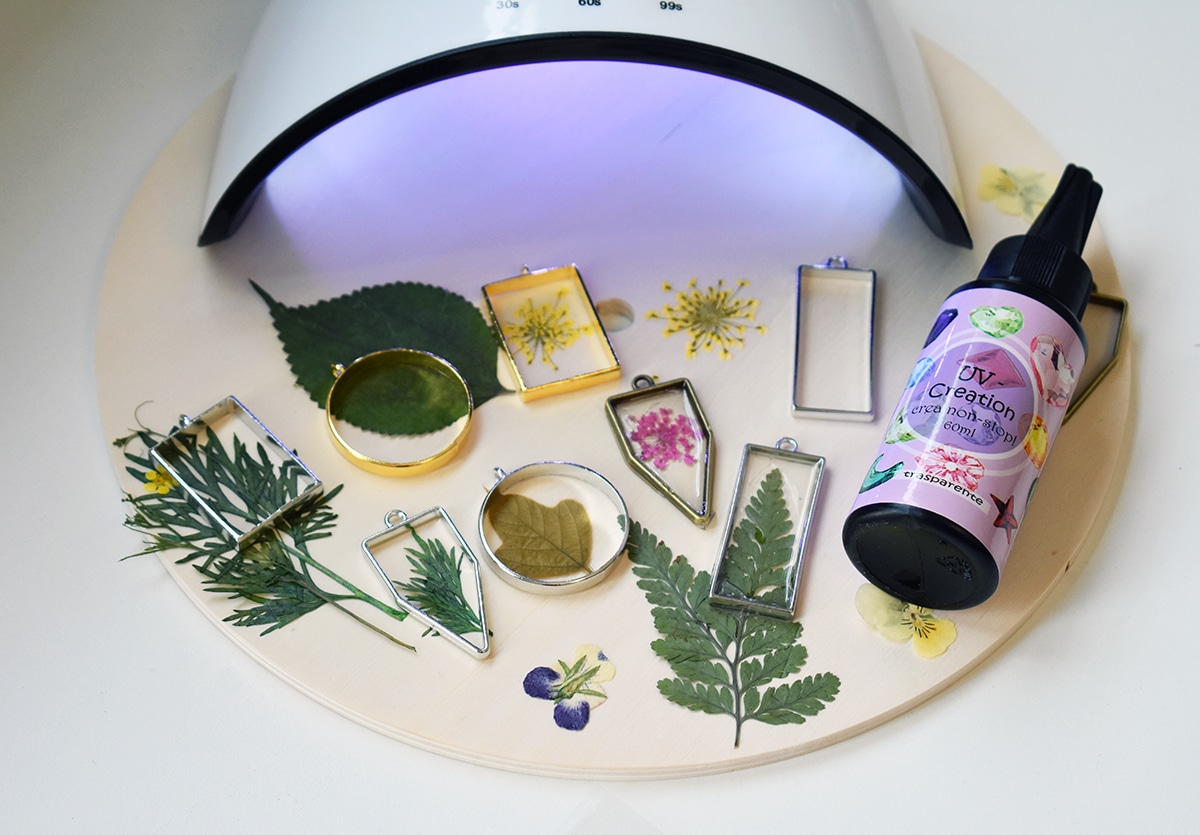
Essential Equipment in Action
See UV LED arrays and LCD masking screens during real assembly. Notice how precision alignment between the UV panel and the LCD ensures crisp layer definition for flawless prints. Accurate installation is vital for professional-grade results in resin 3D printer builds.
Step 1: Assemble the Printer Structure
Begin by building the chassis or printer frame according to your chosen design. This frame is the foundation, providing stability for the mechanical and electronic components. Ensure all connections are tight and the base is level, as minor misalignments can result in print defects. Secure the linear guide and z-axis motor, making sure the vertical movement is smooth and without wobble. Double-check the placement for the resin vat, ensuring it will align with the build platform during operation.
Wear gloves and goggles when handling resin and electronic components. Always follow safety measures during assembly.
Step 2: Install the UV Light and LCD Components
The resin in your printer cures via a precisely controlled UV light source. Mount your UV LED array beneath the resin vat, ensuring even coverage across the entire print area. The LCD masking screen should be installed between the UV panel and resin vat – it controls where the UV light passes through to shape each print layer. Position all components to avoid parallax errors, and connect the cables following your electronics diagram. Before proceeding, test the panel and LCD temporarily to confirm even illumination and proper alignment.
Work in a well-ventilated area to avoid inhaling fumes.
Step 3: Connect Electronics and Firmware Setup
Wiring up the microcontroller, stepper motor, and sensors is a technical phase requiring careful attention. Follow your chosen firmware’s wiring specifications; common microcontroller platforms for 3D printers include Arduino and specialised boards like MKS or Duet. Secure all electrical terminals to avoid shorts or loose connections. Upload the required firmware to your board, configure motor direction, step size, and limit switches, then run a few dry tests to check z-axis movement and screen masking behaviour. Adjust settings as needed for smooth, precise operation.
Always check your connections before powering the printer.
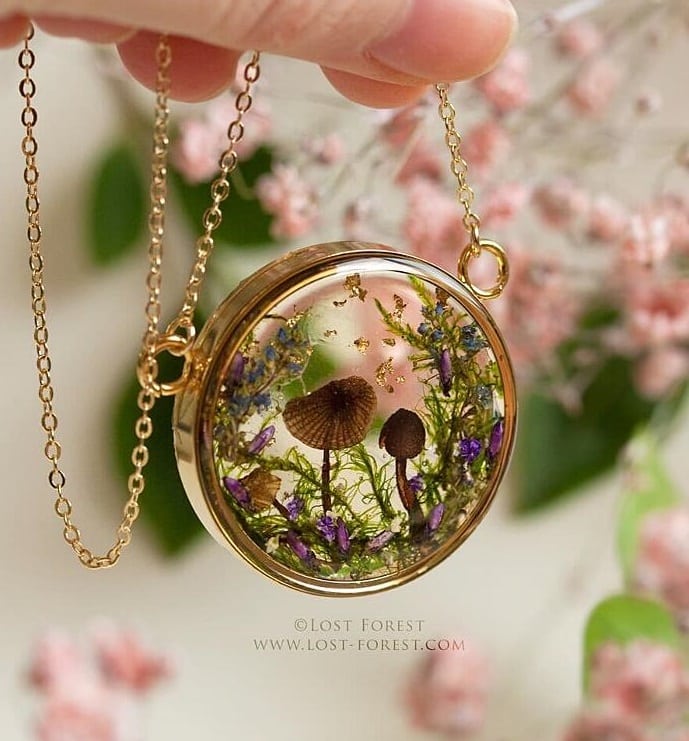
Step 4: Prepare and Load the UV Resin
It’s essential to choose a UV-curing resin matched to your printer’s UV wavelength and cure time. For rapid prototyping and detailed test prints, “UV–Creation” – Fast Acrylic Resin is ideal due to its 2–3 minute fast cure under standard UV lamps. For producing intricate volumetric reliefs or experimenting with dual-colour effects, “Fairy Wings” – UV Resin excels thanks to its thin layer application and swift setting under UV light. Pour the resin carefully into the vat, avoiding spills. Perform an initial test print to verify that layers bond properly and that curing is uniform.
Mistakes with UV resin curing times can cause distortion. Always refer to resin specifications for cure duration and UV compatibility.
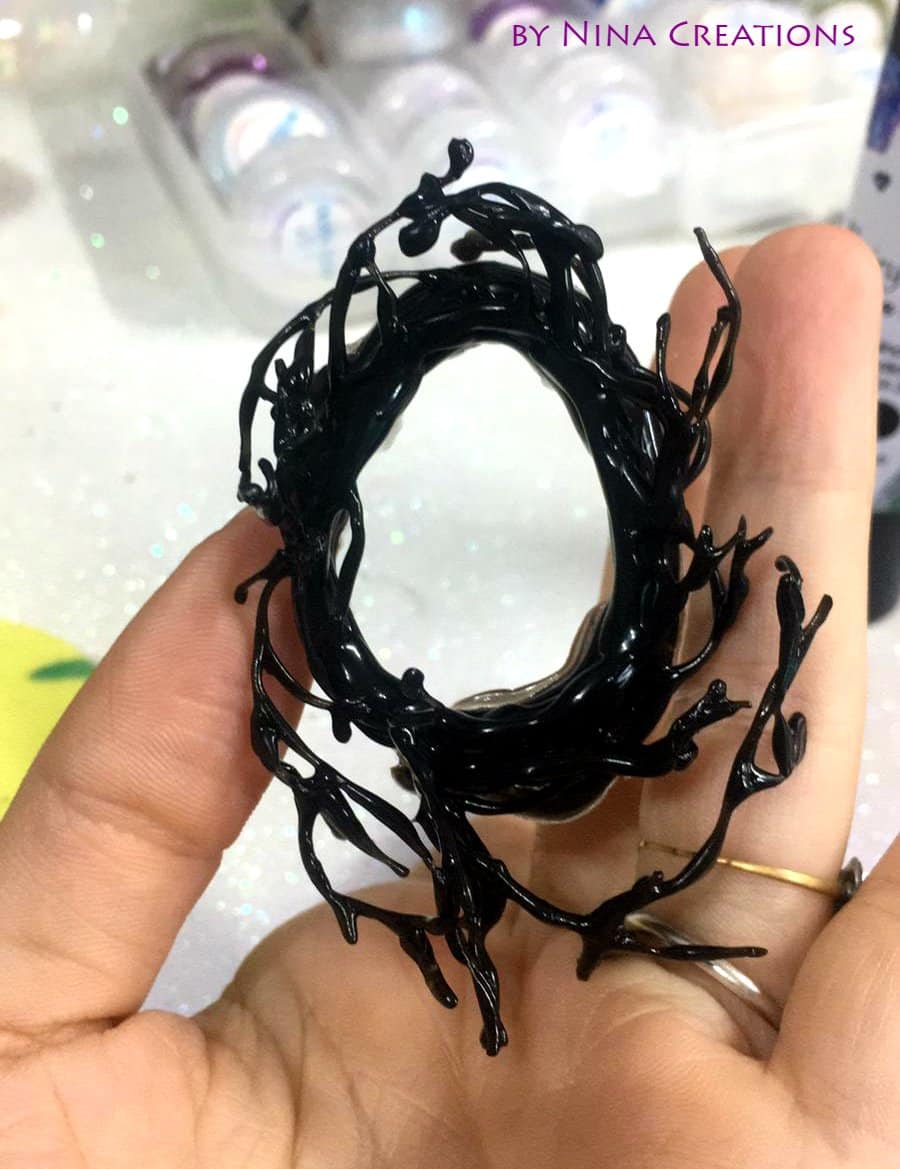
Step 5: Final Testing and Troubleshooting
Once assembly is complete, run a full calibration sequence to fine-tune bed alignment and exposure timing. Print calibration patterns to observe detail reproduction and layer adhesion. Make micro-adjustments in the firmware and hardware if you notice artefacts or incomplete curing. Pay particular attention to any leaks in the vat or uneven z-axis movement. With correct setup, your resin printer should consistently produce high-quality, detailed prints suitable for miniature models, jewellery prototypes, or artistic experimentation.
Use only compatible UV lamps for the curing stage. Avoid overexposure, which can make prints brittle, and underexposure, which leads to sticky surfaces.
Tips, Common Mistakes, and Troubleshooting
Double-check z-axis movement for smoothness and check all bolts and fasteners after your first test print, as vibration may loosen components. Keep your resin vat and LCD screen free of dust and smudges for optimal print quality. Many print failures are linked to resin underexposure or incorrect layer settings, so if issues persist, test alternate cure durations and inspect for dead LEDs or partial LCD obstructions. Always wear gloves and protective eyewear when handling resin, and store unused resin in UV-blocked containers to prevent accidental curing.
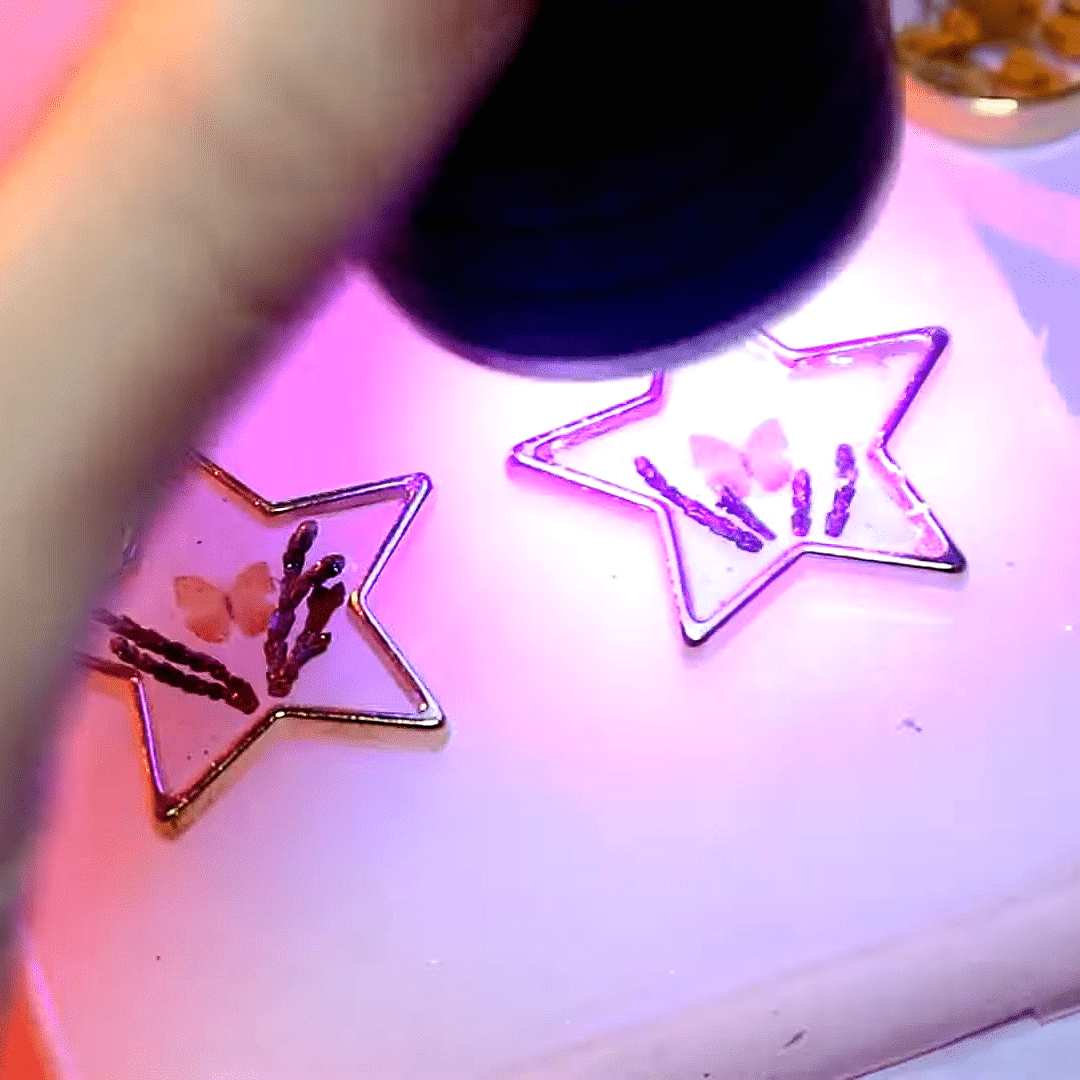
Real-World Finishing Details
Close-up on resin-cured 3D print details and calibration tests. Observe the clarity, edge sharpness, and layer adhesion that mark a successful resin printer setup. Examine real prints made with “UV–Creation” fast resin for comparison.
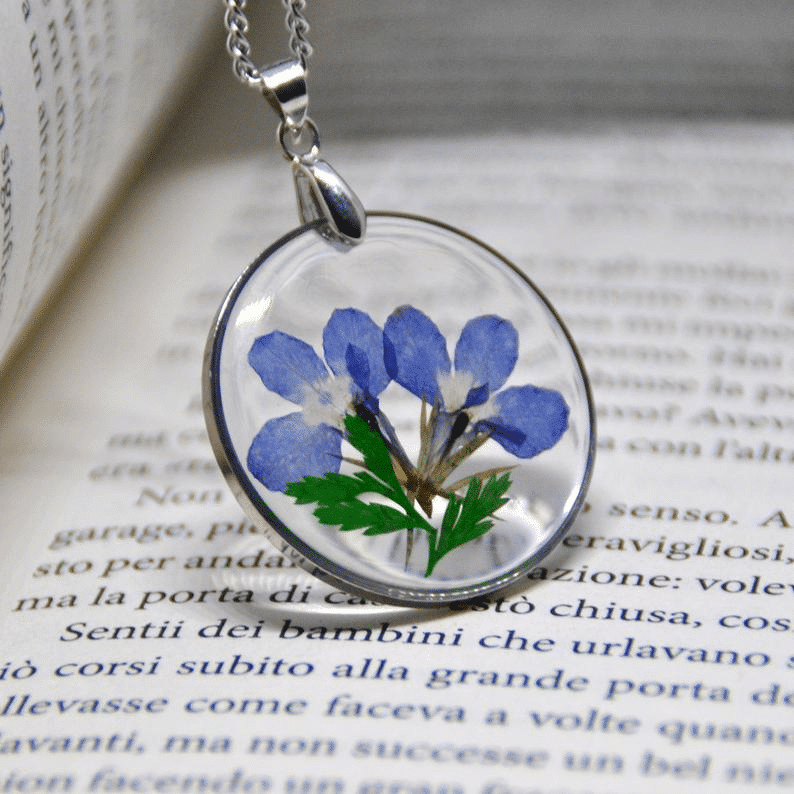
- "UV–Creation" – Fast Acrylic Resin, 3 Minute UV CurePrice range: £7.85 through £59.85"UV–Creation" is a ready-to-use UV gel resin suitable for jewellery making, offering a clear, glossy finish that cures quickly under UV light.
- "Fairy Wings" – UV Resin for Volumetric Reliefs, Dual Colour, 30mlOriginal price was: £15.15.£2.85Current price is: £2.85."Fairy Wings" UV resin is designed for artists and crafters creating detailed volumetric reliefs with dual colour options.
Frequently Asked Questions
Does my 3D printer need a specific UV resin?
Use a UV resin formulated for your device’s light wavelength and cure speeds. Check compatibility for best results.
How can I safely handle UV resins during printer assembly?
Wear gloves and goggles, avoid skin contact, and work in a well-ventilated or filtered space whenever working with resin.
What happens if I use the wrong UV light source?
Incorrect wavelength may cause incomplete curing or damaged prints; always match your resin's requirements.
Why are my prints failing on my resin 3D printer?
Failures are often caused by incorrect cure times, dirty vats or screens, or misaligned axes. Review each issue in turn.
Can I recycle or reuse leftover UV resin?
Filtered unused resin can often be reused if uncontaminated. Dispose of cured resin waste responsibly.
How do I prevent sticky surfaces on 3D prints?
Ensure you follow exact curing durations; underexposure is the most common cause of sticky surfaces.