 Free shipping on orders over £29,85
  Shipping Tracking!


 Google
 Facebook
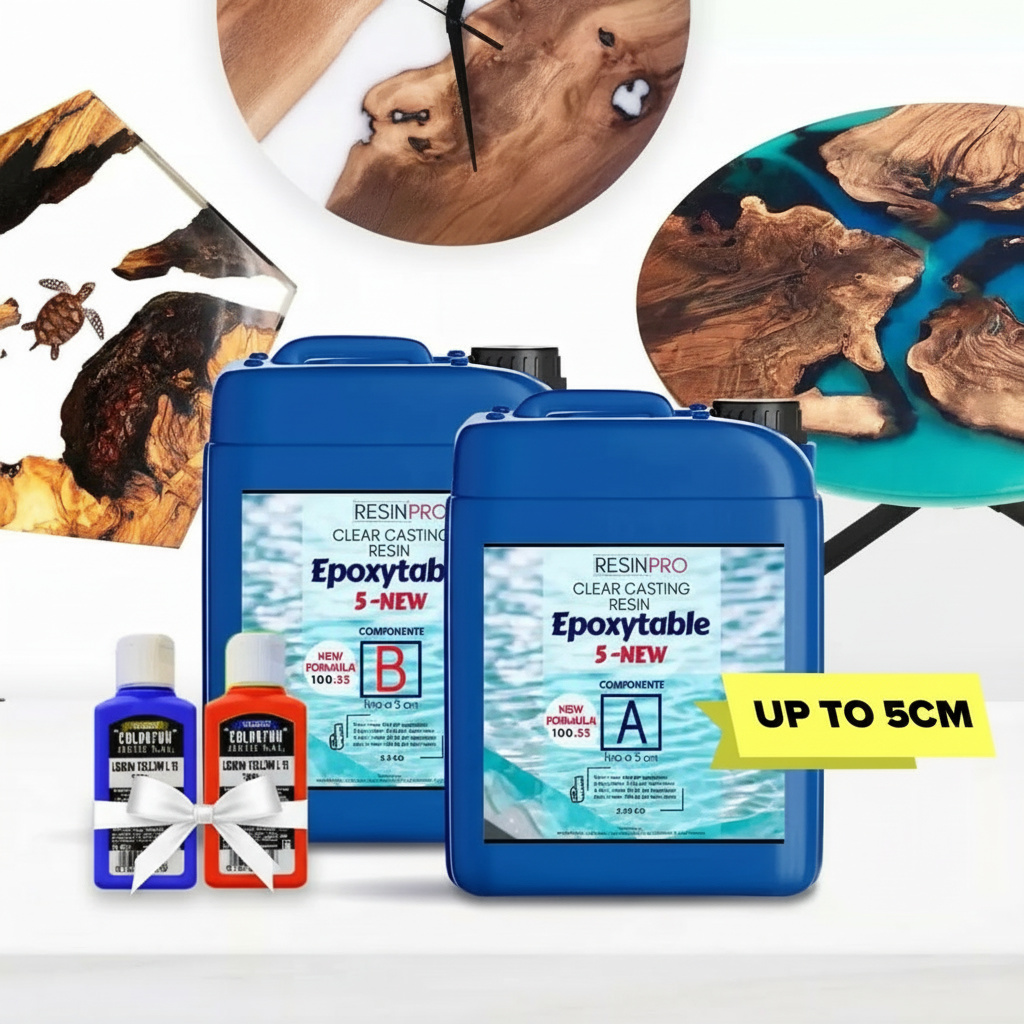




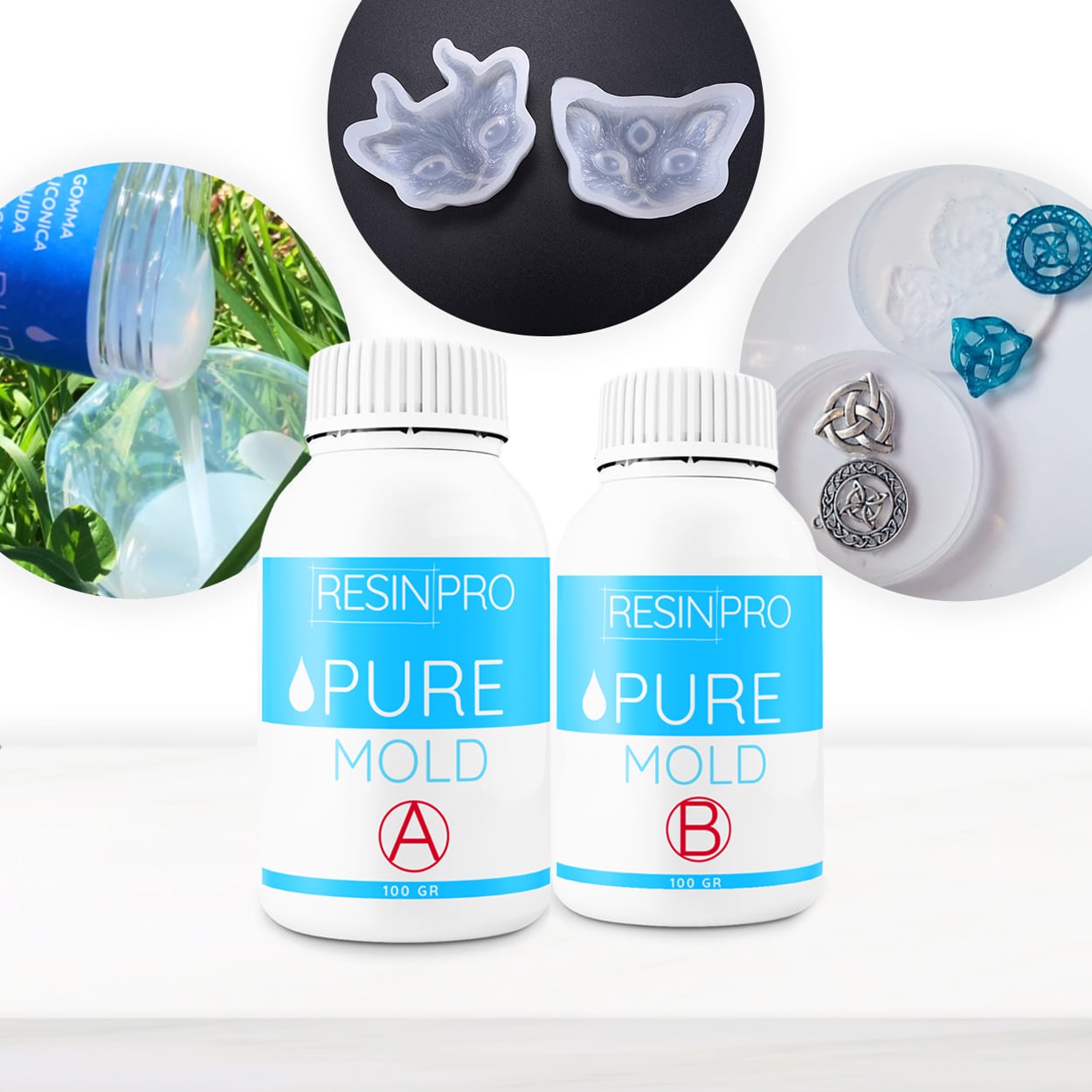

Epoxy resin solvent for river table use
Epoxy resin solvent is used to thin the resin and facilitate its workability during the creation of a river table. It is important to choose a solvent that is compatible with the epoxy resin being used to avoid unwanted reactions or compromising the quality of the project. Before using any solvent, make sure to carefully read the manufacturer's instructions and perform a test on a small amount of resin. Typically, it is recommended to add the solvent gradually, stirring thoroughly to avoid lumps or air bubbles. Stay within the recommended quantities to not compromise the properties of the resin and achieve optimal results in creating the river table.
How to Remove Epoxy Resin Bubbles
To remove bubbles from epoxy resin, follow these steps:
- Thorough Mixing: Make sure to mix the epoxy resin and hardener thoroughly to prevent the formation of air bubbles during the curing process.
- Using a Butane Torch: Gently pass a butane torch over the surface of the resin to release trapped air bubbles. Applying heat allows the bubbles to rise to the surface and disappear.
- Using a Degreasing Agent: If the bubbles persist, you can try spraying a degreasing agent on the surface to bring them to the surface. By carefully following these instructions, you can effectively remove bubbles from epoxy resin.
**Silicone Mold Making Tutorial**
Creating silicone molds is a common process in the DIY and crafting industry. Here is a quick guide to making silicone molds:
- Prepare the model: Make sure the model is clean and free of dust or grease.
- Measure and mix the silicone: Use epoxy resin and catalyst in the correct ratio and mix thoroughly.
- Pour the silicone onto the model: Pour the silicone onto the model surface evenly.
- Remove air bubbles: Use a stick to eliminate any air bubbles trapped in the silicone.
- Let it dry: Allow the silicone to dry completely following the curing times.
- Remove the model: Once dried, carefully remove the model from the silicone mold. By following these steps, you can easily create silicone molds for your DIY projects.
Best pigments for epoxy resin
The best pigments for epoxy resin are those specially formulated to ensure uniform mixing and color stability over time. Powder pigments are very popular for coloring epoxy resin, as they offer a wide range of colors and are easy to blend. Liquid pigments, on the other hand, are ideal for achieving translucent shades and marbled effects. It is important to choose high-quality pigments, specifically designed for epoxy resins, to avoid any issues with catalyzation or unwanted color changes. Always remember to follow the manufacturer's instructions to achieve the best results.
ResinPro: one supplier for all your needs
15 years of experience at your complete disposal, supplying resins and accessories for creativity, industry, DIY, flooring and marine applications.
At your home, directly from the manufacturer!
ResinPro is the direct manufacturer of our resin range for companies and hobbyists, guaranteeing the lowest prices on the market.
Learn more


The widest range of resins in the UK!
We offer resins for every need, from artistic creations to marine and construction applications, far beyond the “limited” selection typically found in local DIY stores.


Expert technical support!
Our technicians provide free remote consulting to help you avoid mistakes and ensure you achieve the result you want — unlike “generic retailers” who sell 1,000 different products.
get a free consultationRESIN PRO is a leader in resin production and distribution!
24-hour delivery: We ship across the UK on the same day. Enjoy convenient home delivery with our appointment service—our courier will contact you in advance and deliver the package to your preferred location, or leave it at an alternative address of your choice.


Full support!
We provide continuous support from preparation to final application, including remote technical assistance, ensuring a smooth experience.
Talk with a specialist and place a phone order without registration and without credit cards!


