 Free shipping on orders over £29,85
  Shipping Tracking!


 Google
 Facebook
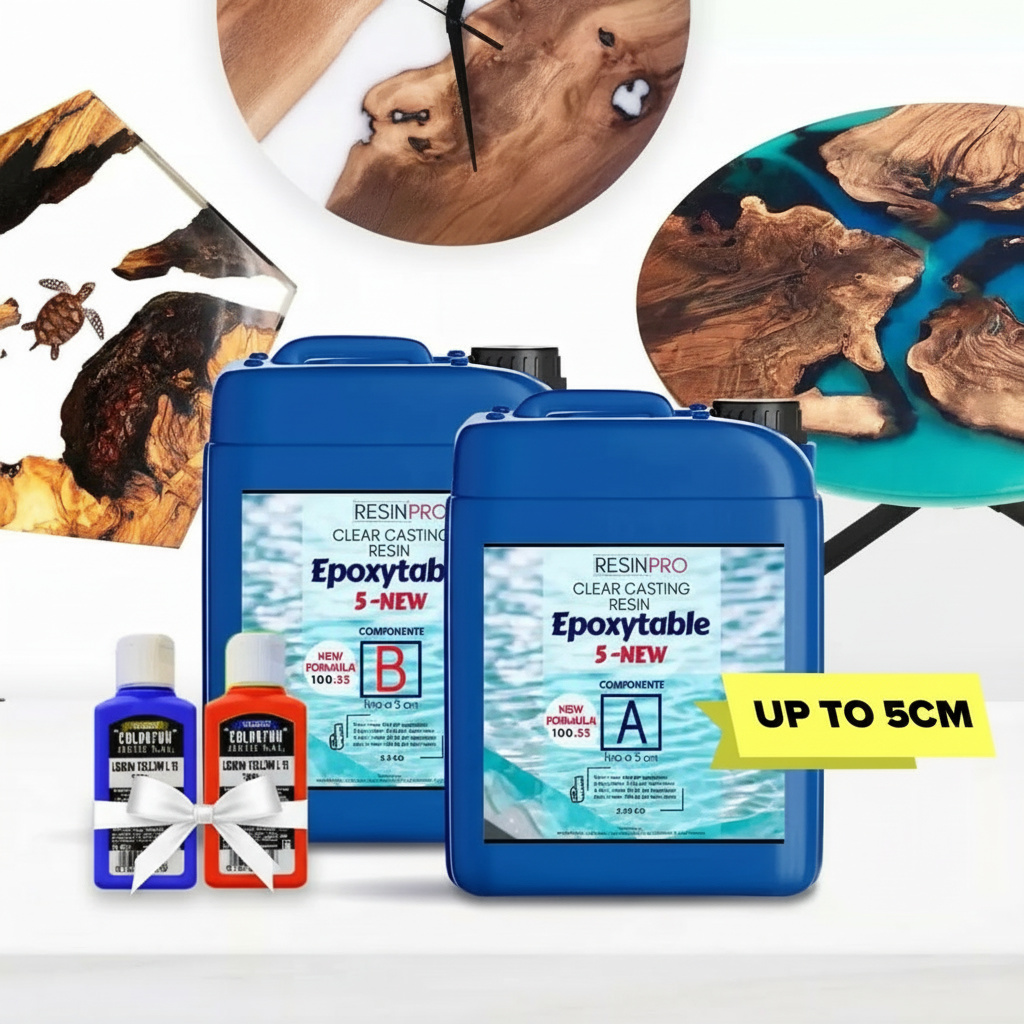






Blurred background for memories
The blurred background for memories is a highly appreciated visual effect in the field of photography and graphic design. This technique involves applying a gradual gradient to the background of an image to create a sense of depth and highlight the main subject. With a blurred background, memories captured in a photo acquire a more delicate and evocative atmosphere, emphasizing the emotion and significance of the moment captured. This type of background is often used in graphic projects, such as invitations, greeting cards, or presentations, to add a touch of elegance and sophistication to the overall image.
Blurred background for photos
A blurred background for photos is a technique used to create a sense of depth and highlight the main subject of the image. This effect, achieved through the use of specific software or camera settings, involves making the background out of focus while keeping the foreground subject sharp. Widely employed in professional photography for portraits, still life, and more, this technique enhances the appeal of images and directs attention to the main subject of the photo. The background blur can be adjusted to achieve the desired effect, creating evocative atmospheres and enhancing the composition of the image.
How to Achieve a Blurred Background
To achieve a blurred background, you can follow these steps:
- Adjust the aperture: use a wide aperture (f/2.8 or lower) to reduce the depth of field and blur the background.
- Choose the right distance: position the subject at a considerable distance from the background to enhance the blurred effect.
- Use zoom or specialized lenses: lenses with longer focal lengths or zoom capability can help blur the background more effectively.
- Shoot in portrait mode: many cameras offer a specific mode for portraits that helps create a blurred background.
- Edit in post-production: if needed, you can enhance the blurred effect using photo editing software like Photoshop.
**How to Create a Blurred Background Effect**
The blurred background is a highly appreciated visual effect in the field of graphic design and photography. To effectively create a blurred background, you can follow these steps:
- Open the Image: Use editing software such as Photoshop or GIMP to open the image on which you want to apply the blurred background.
- Select the Area: Use the selection tool to outline the area of the image you want to blur.
- Apply the Blurred Background: Once the area is selected, apply the Gaussian or radial blur effect to achieve the desired blurred background.
- Adjust the Intensity: Adjust the blur intensity according to your preferences, ensuring a natural and harmonious effect. By following these simple steps, you can create a professional blurred background for your images.
ResinPro: one supplier for all your needs
15 years of experience at your complete disposal, supplying resins and accessories for creativity, industry, DIY, flooring and marine applications.
At your home, directly from the manufacturer!
ResinPro is the direct manufacturer of our resin range for companies and hobbyists, guaranteeing the lowest prices on the market.
Learn more


The widest range of resins in the UK!
We offer resins for every need, from artistic creations to marine and construction applications, far beyond the “limited” selection typically found in local DIY stores.


Expert technical support!
Our technicians provide free remote consulting to help you avoid mistakes and ensure you achieve the result you want — unlike “generic retailers” who sell 1,000 different products.
get a free consultationRESIN PRO is a leader in resin production and distribution!
24-hour delivery: We ship across the UK on the same day. Enjoy convenient home delivery with our appointment service—our courier will contact you in advance and deliver the package to your preferred location, or leave it at an alternative address of your choice.


Full support!
We provide continuous support from preparation to final application, including remote technical assistance, ensuring a smooth experience.
Talk with a specialist and place a phone order without registration and without credit cards!


